SHIELD is a self-hosted platform for family and friends — built to keep us informed and connected every day, and to support our communities when it matters most.
It runs on our own equipment, not in a data center. It's built to stay up: battery backup on the internet and network equipment, a backup internet connection that takes over on its own, and copies of everything that matters.
UPS power for internet, networking and access equipment
Failover internet
A backup connection takes over automatically
One sign-in
One account for every app
What it is
Two sides of SHIELD
SHIELD has two sides. ShieldFAM is the family-and-friends side, and it's what's running today. ShieldSAM is the community side, planned for later on its own equipment.
SHIELDFAM
Family Assistant Module · live today
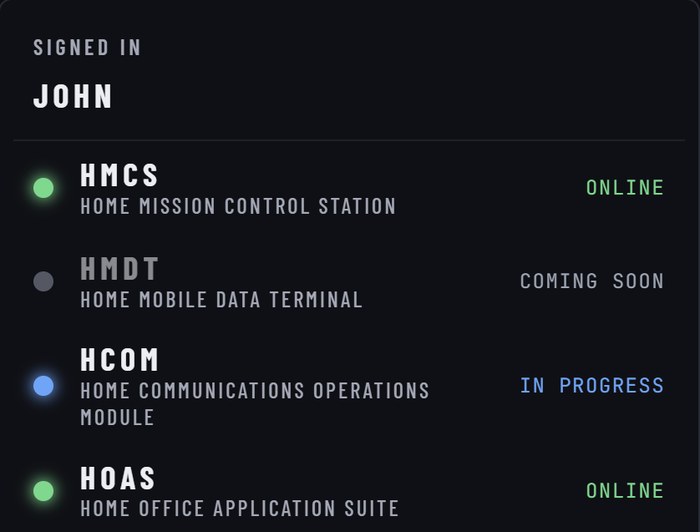
ShieldFAM is where our family and friends come together. Each household and each friend group has its own space, everyone has their own account, and everything is in one place behind one sign-in. It's laid-back, everyday stuff — with the tools ready for the days that aren't.
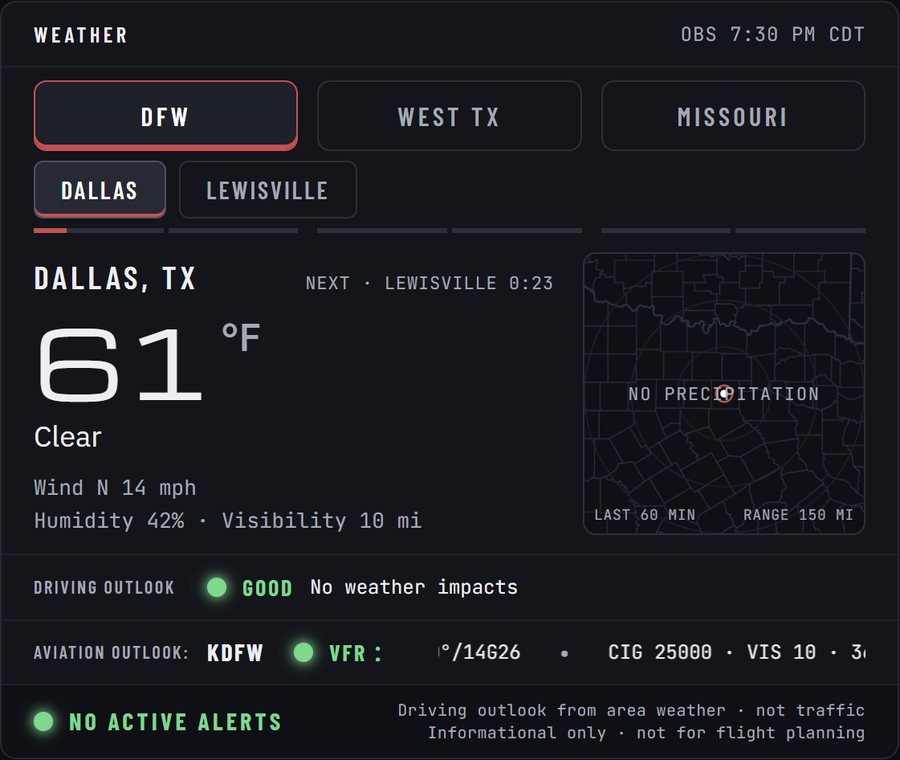
Weather and alerts for wherever our people are
What's going on around us — incidents, aircraft, traffic
Trips and check-ins on the board
Household budgets, projects, schedules and maintenance
Documents and files that stay private
Radio, phone and messages of our own
Emergency plans everyone can find
Game nights and learning
Joining
Invitation-only. Accounts are set up by the administrator, and each person joins their household or friend group.
Already invited? Sign in with the account you were given.
Think you should be part of it? Use Request access on the sign-in page.
Your information stays yours — admins manage access, not your content.
SHIELDSAM
Supporting Agencies Module · planned
ShieldSAM is SHIELD for agencies, clubs, departments and groups — the community side, planned for later on its own equipment. It grows out of what ShieldFAM proves first and focuses on the work those groups do, including a backup way to stay connected when normal systems are down.
Who it's for
Fire and EMS departments, volunteer and response teams, radio clubs and community organizations.
What it will include
Its own separate equipment, kept apart from the family side
Dispatch and situational-awareness tools
Mobile data for units in the field
Radio, phone and messaging that can work when normal systems are down
The same approach: self-hosted, battery-backed and built to recover
Planning · built after ShieldFAM is complete and stable
Where the build is
SHIELD is being built for desktop and laptop web browsers first. Mobile apps come after the desktop web app is released.
Development & alphaBackend and web app development, alpha testing Current
Built out & stableFinishing and hardening every module Current
Beta & releaseDesktop web app only Next
Mobile appsPhones and tablets Then
Regional nodes & RFRegional nodes and radio equipment Later
Inside SHIELD
A tour of the platform
Each module has one job. Here they are in order, starting with the one that runs everything else.
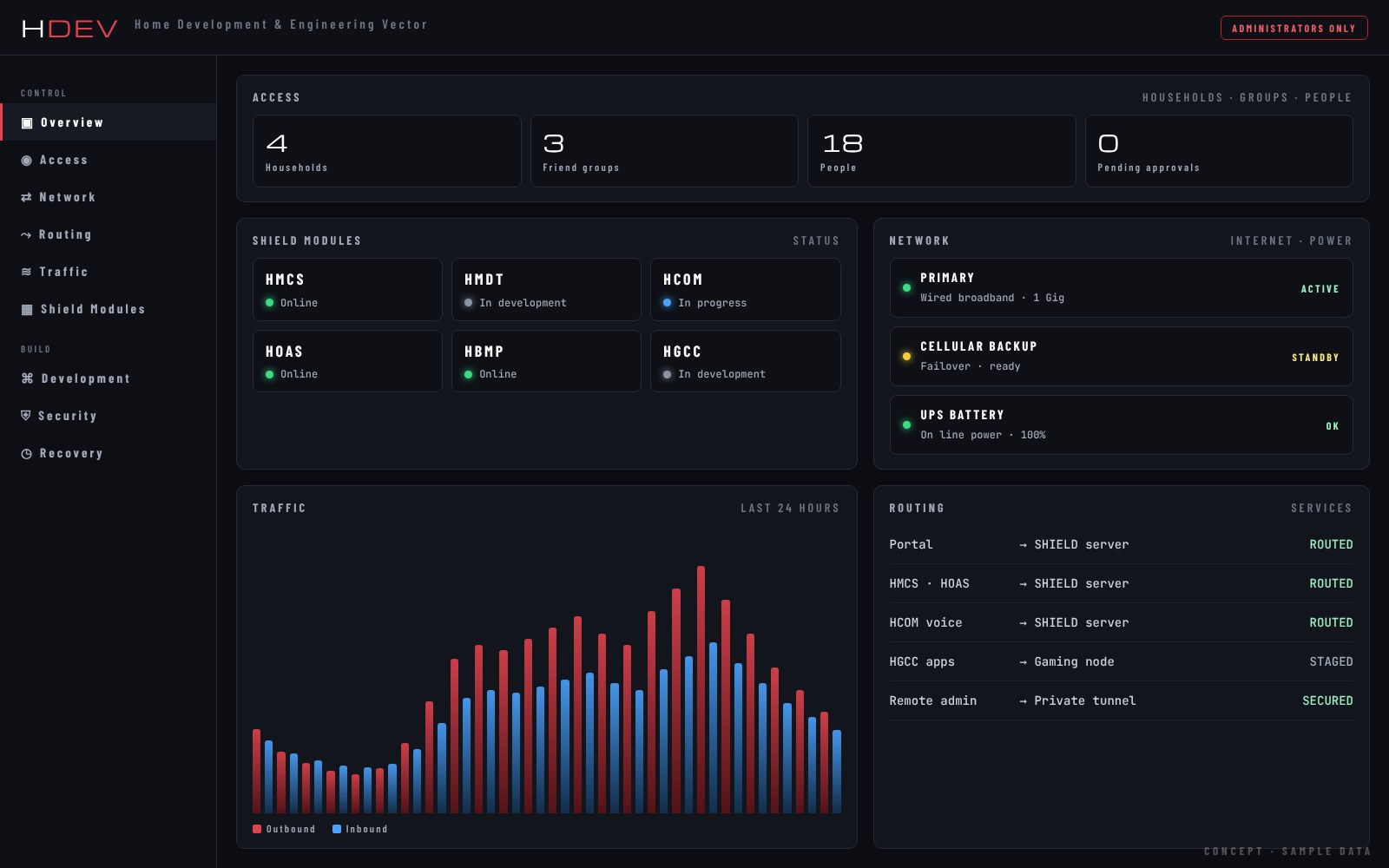
HDEV is the admin side of SHIELD — administration, development and IT, networking and security. It controls, develops and secures the whole ecosystem. Only administrators use it; family and friends never see it.
HDEV · Overview
HDEV · Concept with sample data — real admin screens are not shown publicly
Admins only
Controls & secures
Access — accounts, households, friend groups and who can open which app
Network — internet, failover and battery power
Routing — getting each request to the right place
Traffic — what's moving in and out, and whether it should be
Shield modules — HMCS, HMDT, HCOM, HOAS, HBMP and HGCC
02
HMCS
Home Mission Control Station
Online
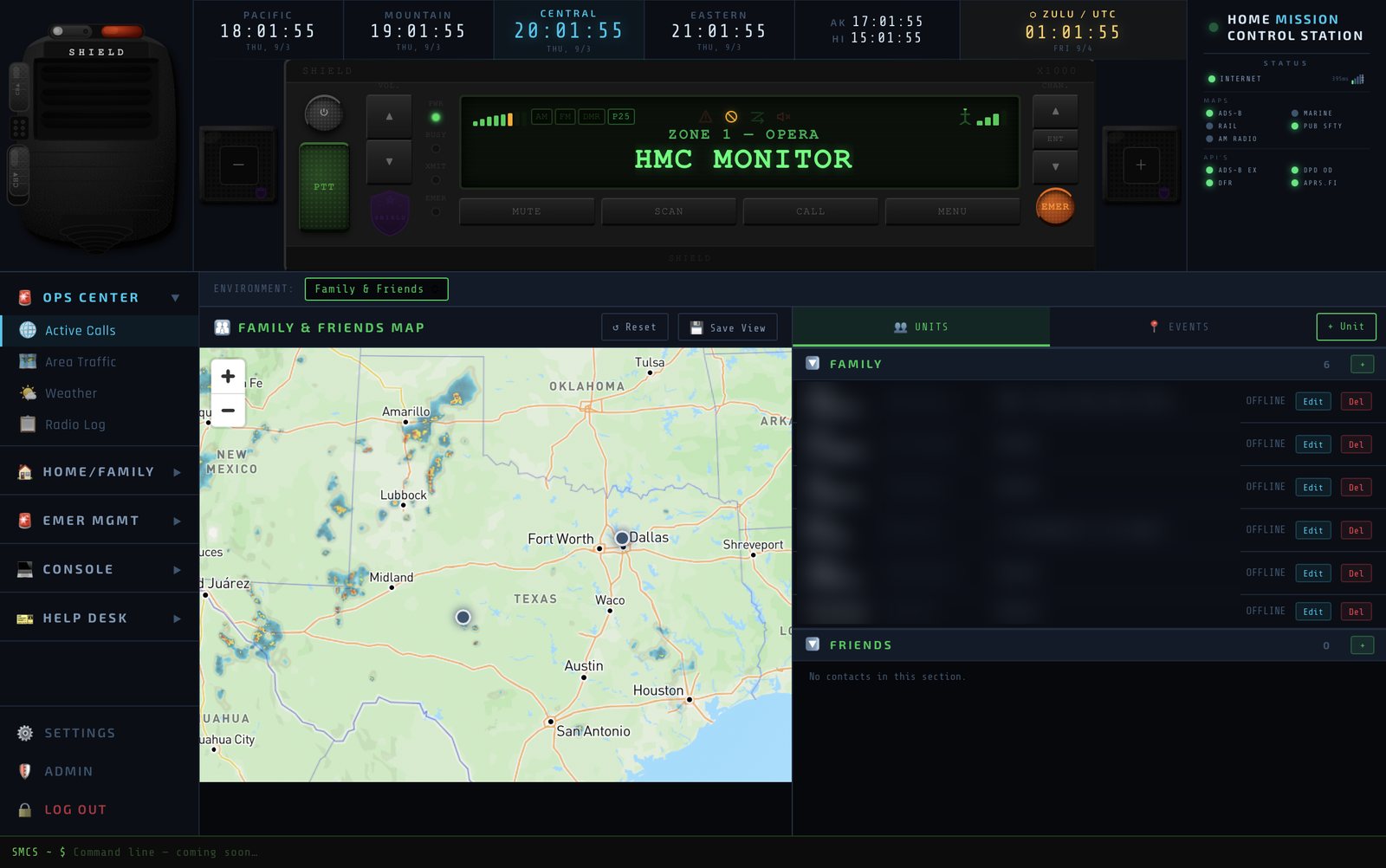
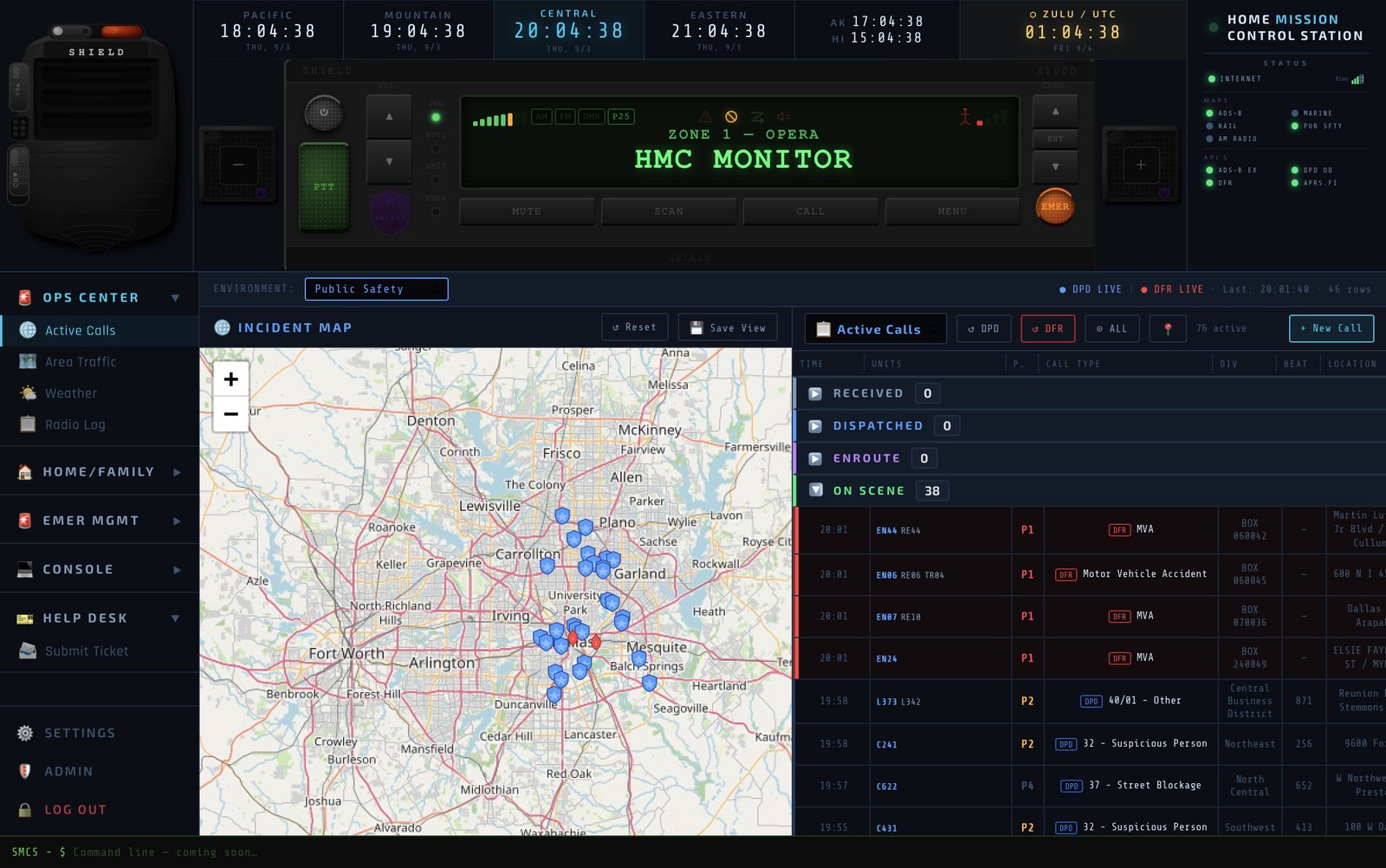
HMCS is the main screen of ShieldFAM, laid out like a dispatch console. It has four areas: the Ops Center for what's happening now, Home/Family for running the household, Emergency Management for planning ahead, and Console & Help Desk for support.
Active Calls · Family & Friends
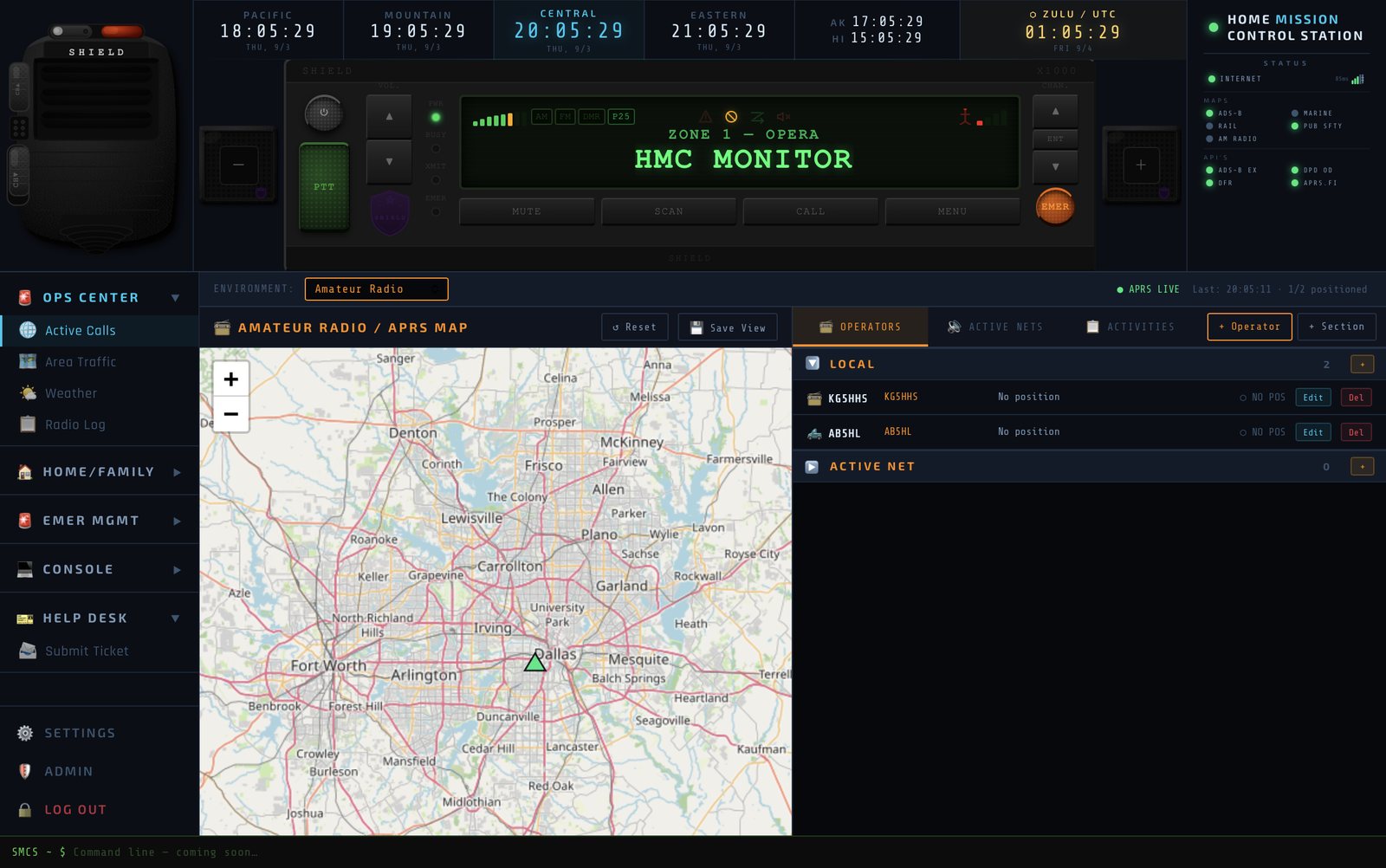
Active Calls · Family & Friends · Public Safety · Amateur Radio · personal details blurred
Ops Center › Active Calls
What's happening right now
One map, three views. Family & Friends shows our people's locations, events, incidents, trips and more. Public Safety shows public safety incidents in the area, taken from agency sources. Amateur Radio shows ham radio activity and location tracking through APRS.
Everything on the map comes from established public sources and our own people.
Family & FriendsPublic SafetyAmateur Radio
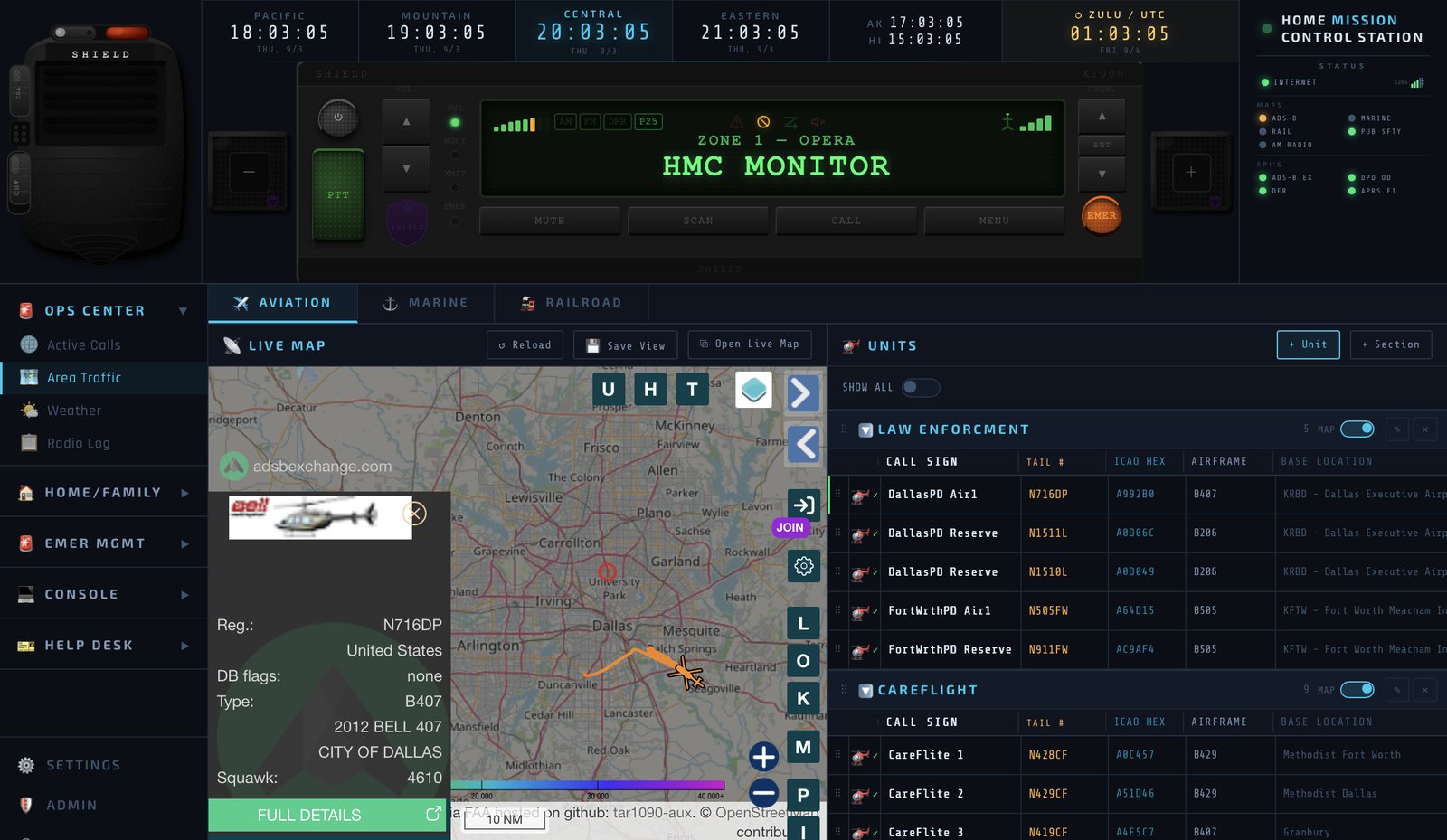
Area Traffic · Aviation
Area Traffic · Aircraft and airport conditions
Ops Center › Area Traffic
What's moving around us
Area Traffic is a live picture of what is moving around us, and it is built to grow. Aviation shows aircraft overhead, the airports nearby and airport weather. Next come Marine for boats and waterways, Railroad for trains, and road Traffic, so one screen can show what is moving by air, water, rail and road.
AviationMarineRailroadTraffic
Ops Center · Weather
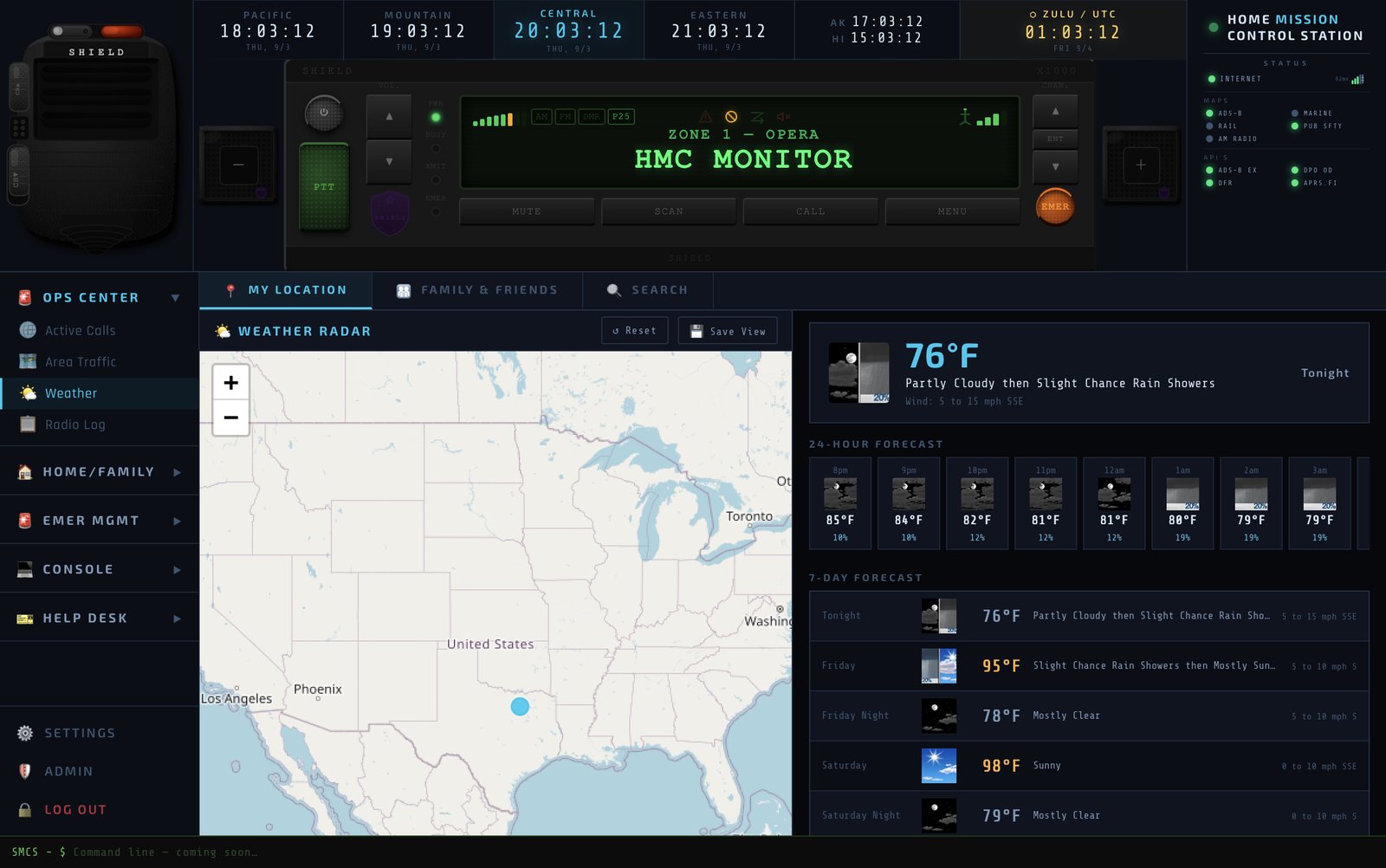
Weather · Radar, alerts and forecasts
Ops Center › Weather
Weather for where our people are
Radar, National Weather Service alerts and forecasts for each area where family and friends live, so everyone sees the same weather picture.
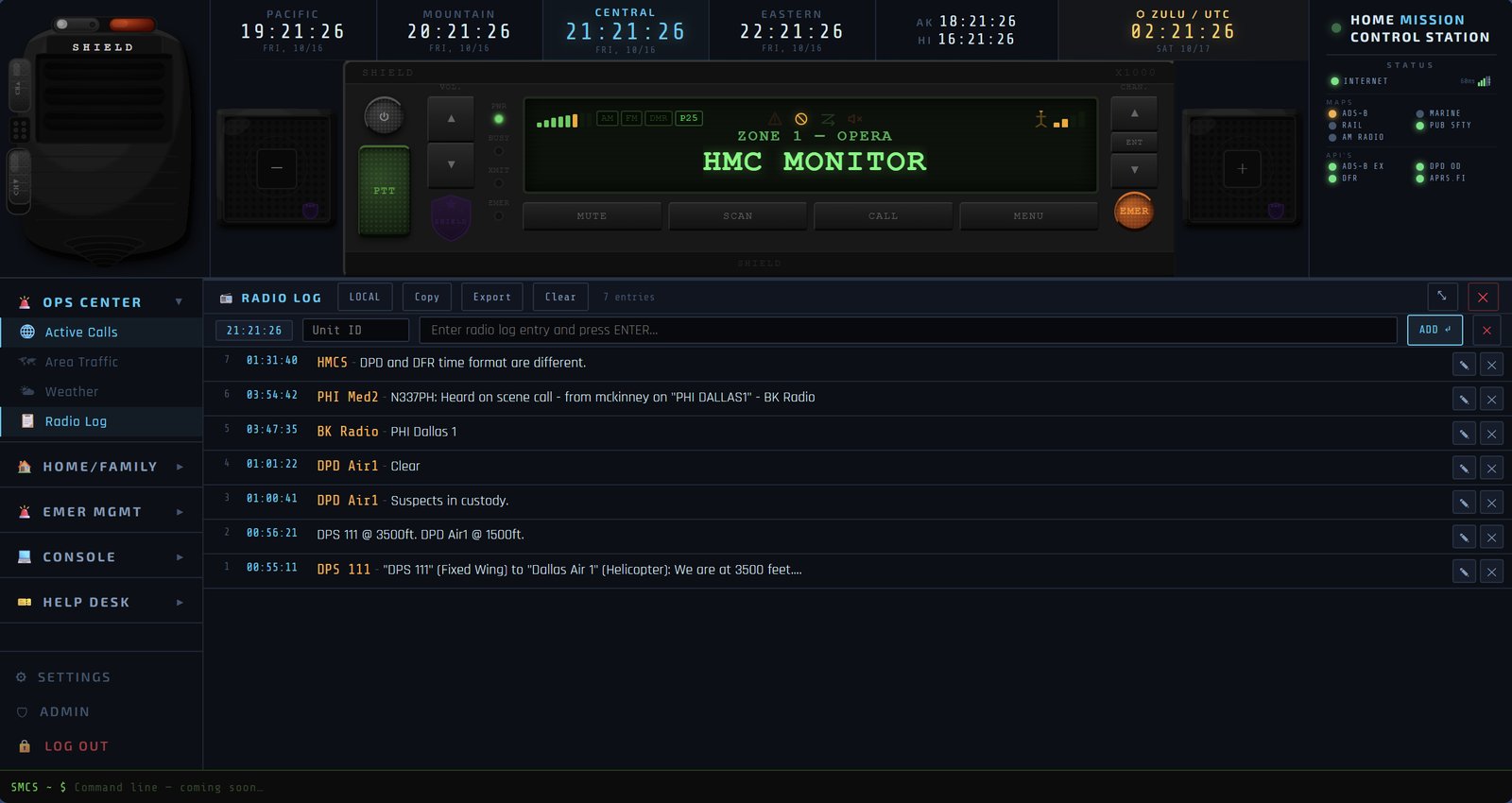
Ops Center · Radio Log
Radio Log · A simple log for radio notes
Ops Center › Radio Log
Notes from the radio
A simple log for when you want to write down something from the radio — time, unit and a short note. You add the entries yourself. It can be copied or exported.
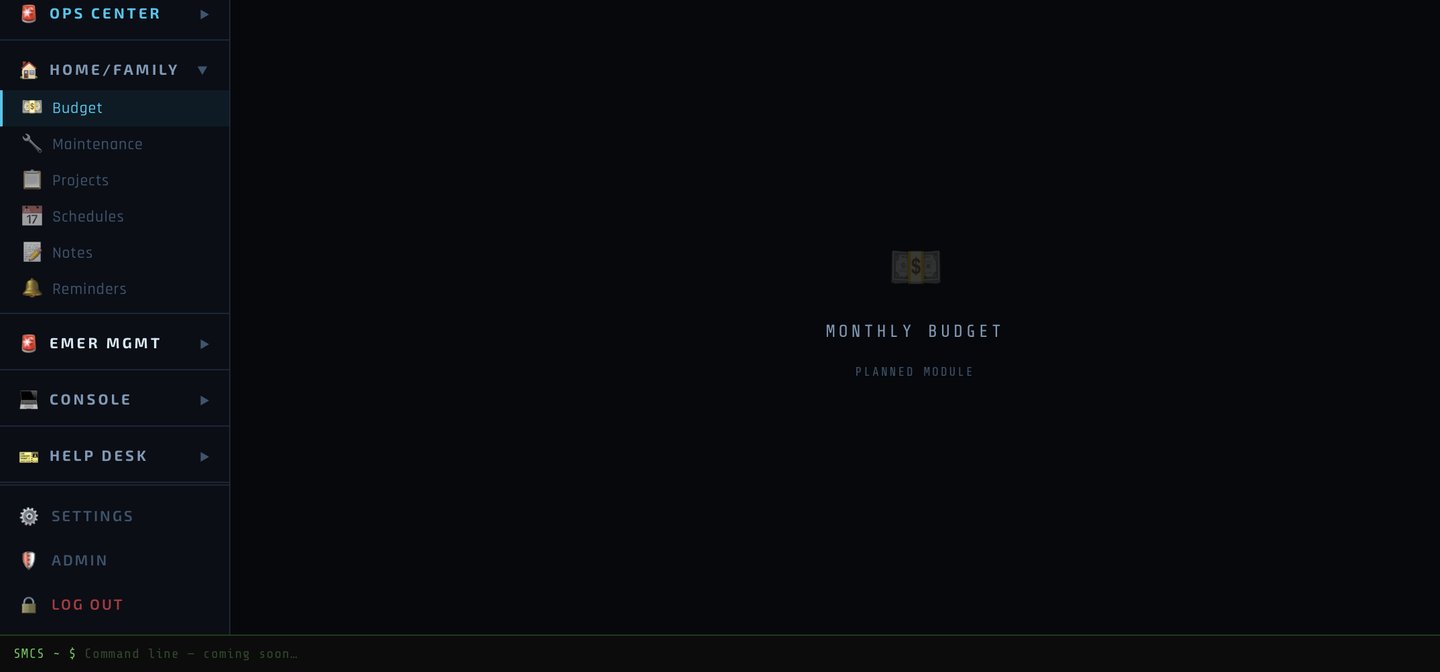
HMCS · Home/Family
Home/Family · Menu in place, tools in design
Home/Family
Running the household
Budget
Home & vehicle maintenance
Projects
Schedules
Notes & reminders
In design
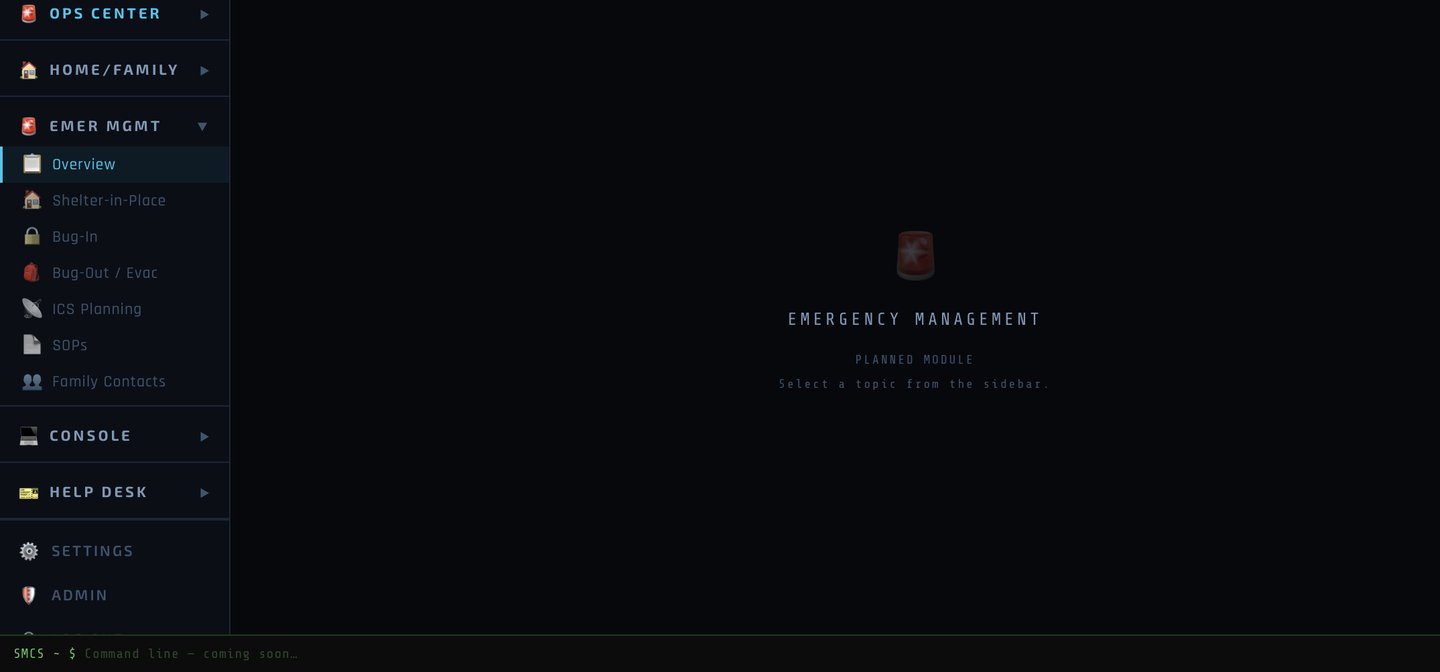
HMCS · Emergency Management
Emergency Management · Menu in place, tools in design
Emer Mgmt
Plans for when it counts
Plans — shelter in place, bug in, bug out & evacuation
ICS — Incident Command System planning
SOPs — step-by-step procedures
Contacts — who to call
In design
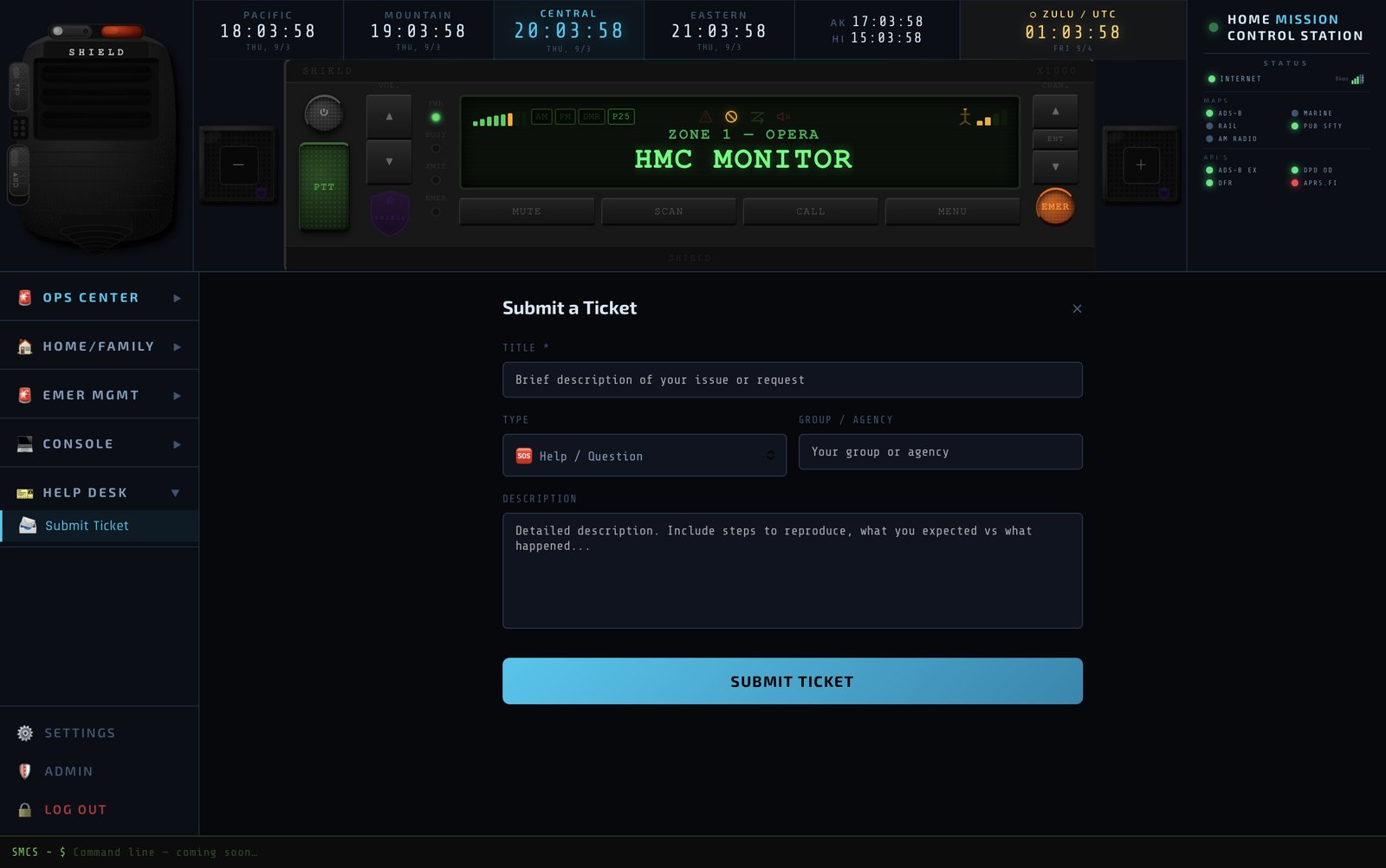
HMCS · Help Desk
Help Desk · Submit a ticket
Console · Help Desk
Support
The Console shows what the system is doing in the background. The Help Desk is where anyone can report a problem or ask for something new.
Online
03
HMDT
Home Mobile Data Terminal
Concept · after desktop
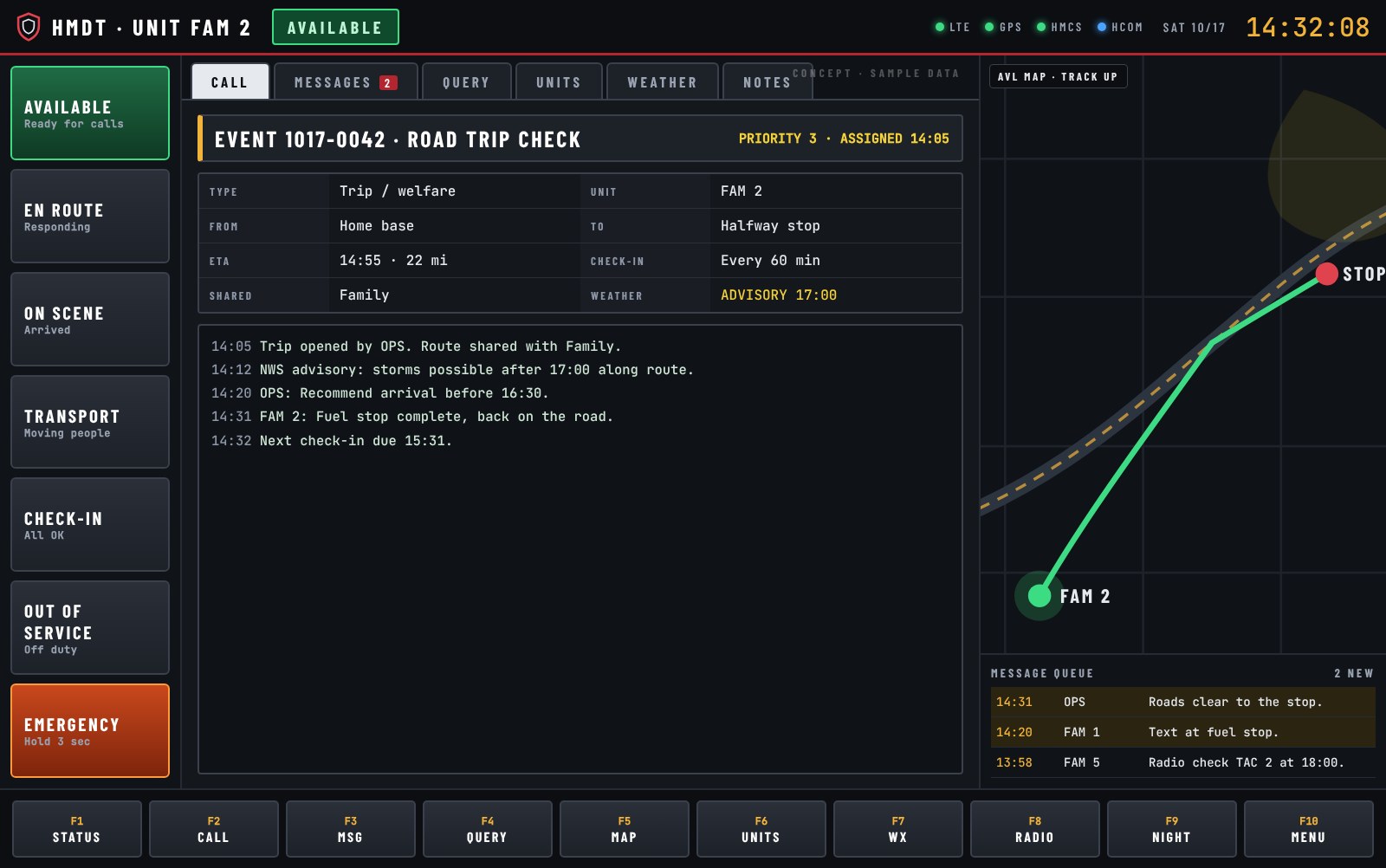
HMDT is the field and mobile version of HMCS — built like the rugged mobile data terminals in patrol cars and ambulances. Big status keys, the current call, a live map and a message queue, all synced with HMCS.
HMDT · Unit FAM 2
HMDT · Concept with sample data
Field › Mobile unit
HMCS in the field
Status keys — available, en route, on scene, check-in, emergency
Current call — details, notes and timeline
Live map — your position and where you're headed
Message queue — from home and other units
Function keys for weather, units, radio and night mode
04
HCOM
Home Communications Operations Module
In progress
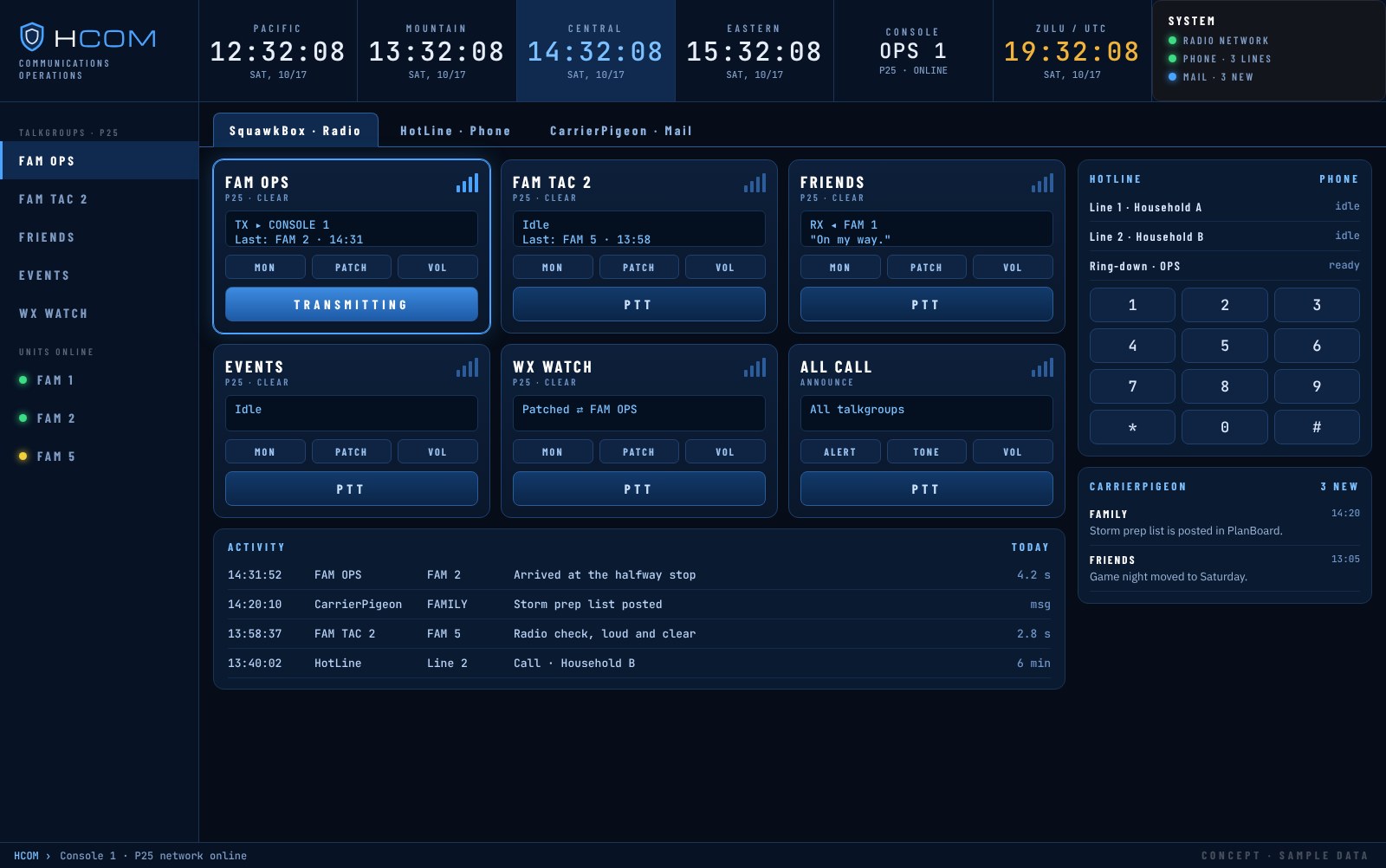
HCOM is our own communications system, all in one web app. At its core is a hybrid two-way P25 radio system, used mainly as a radio console on the desktop. It also has a phone system and a messaging and email client — all running on SHIELD.
HCOM · SquawkBox
HCOM · Concept with sample data
All in one web app
Radio, phone & messages
SquawkBox — a two-way radio app with a Public Safety P25 trunked-radio style system: talkgroups, patches and push-to-talk from a desktop console and a mobile app, with plans to work with real radios and hotspots
HotLine — a phone system (PBX) with lines between households and ring-down lines
CarrierPigeon — messaging and email between people and groups, on our own server
SquawkBoxHotLineCarrierPigeon
05
HOAS
Home Office Application Suite
Online
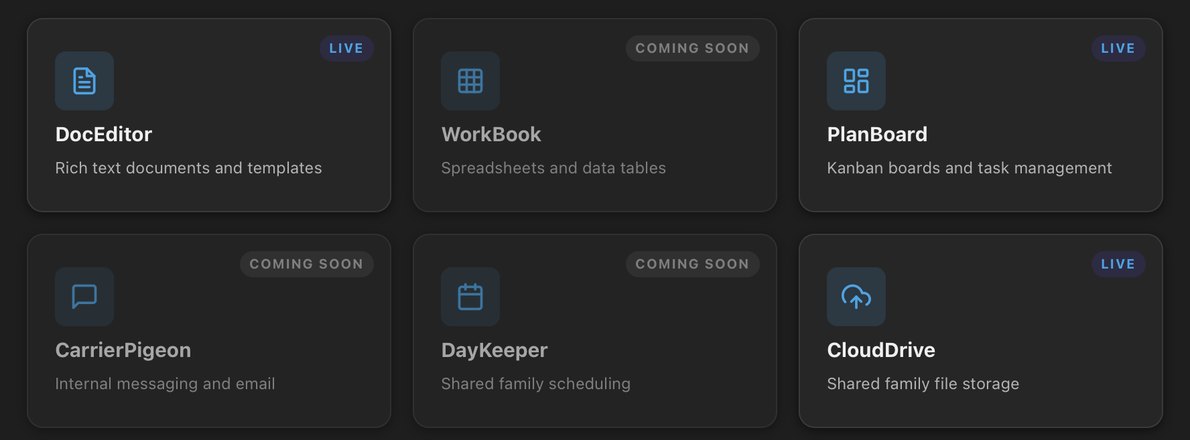
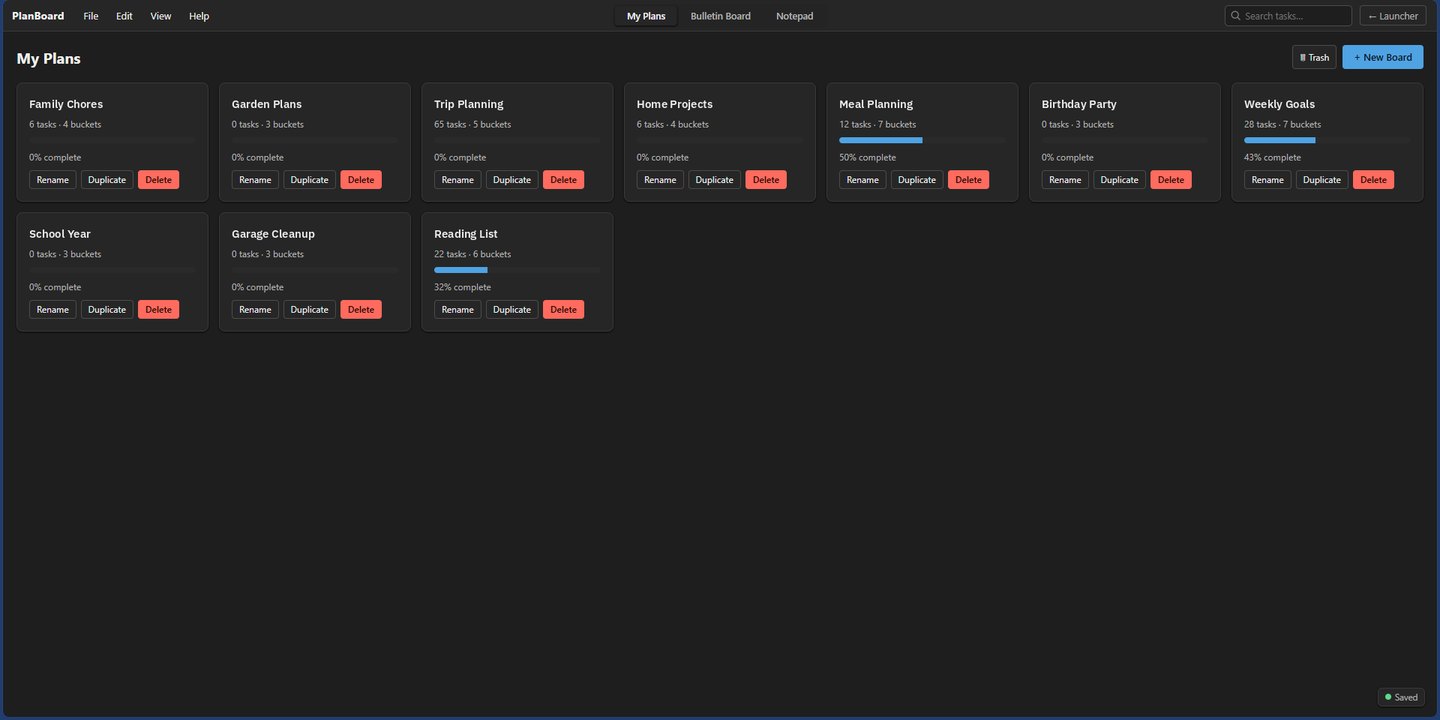
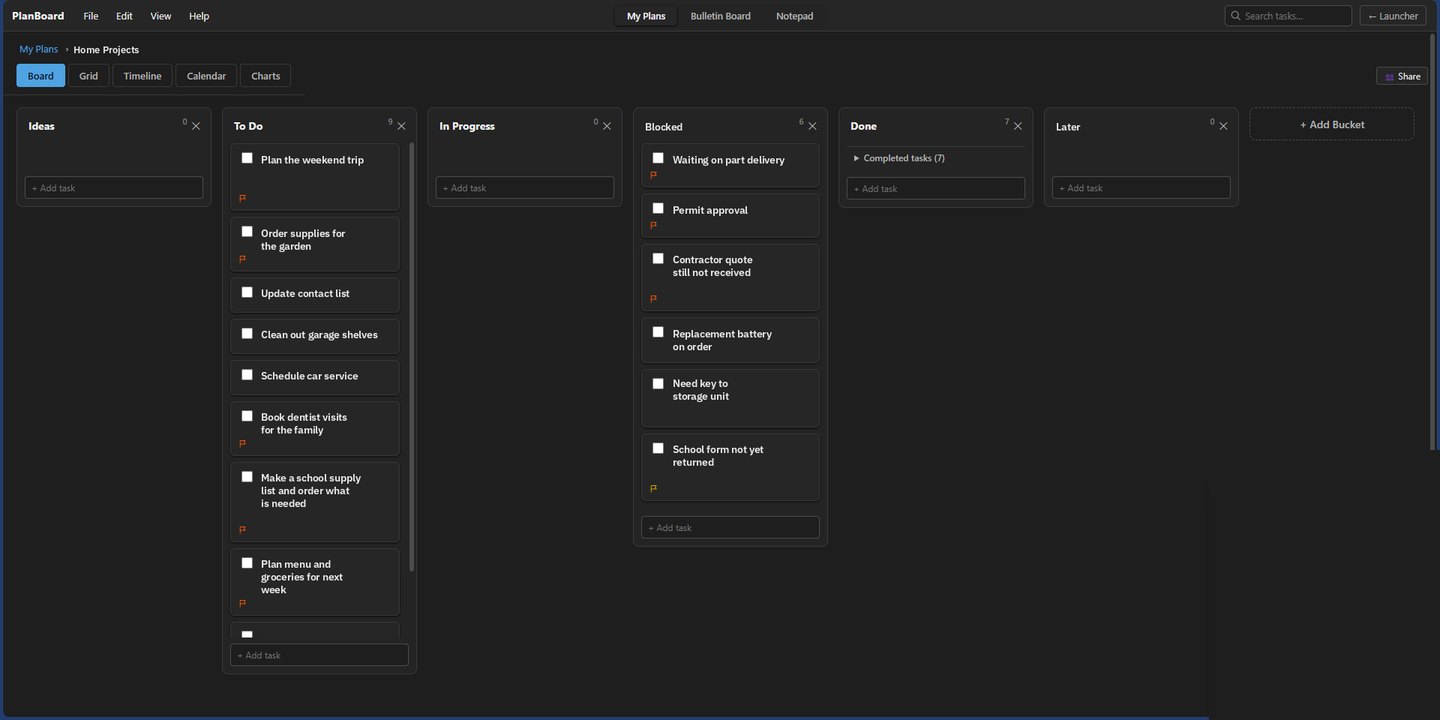
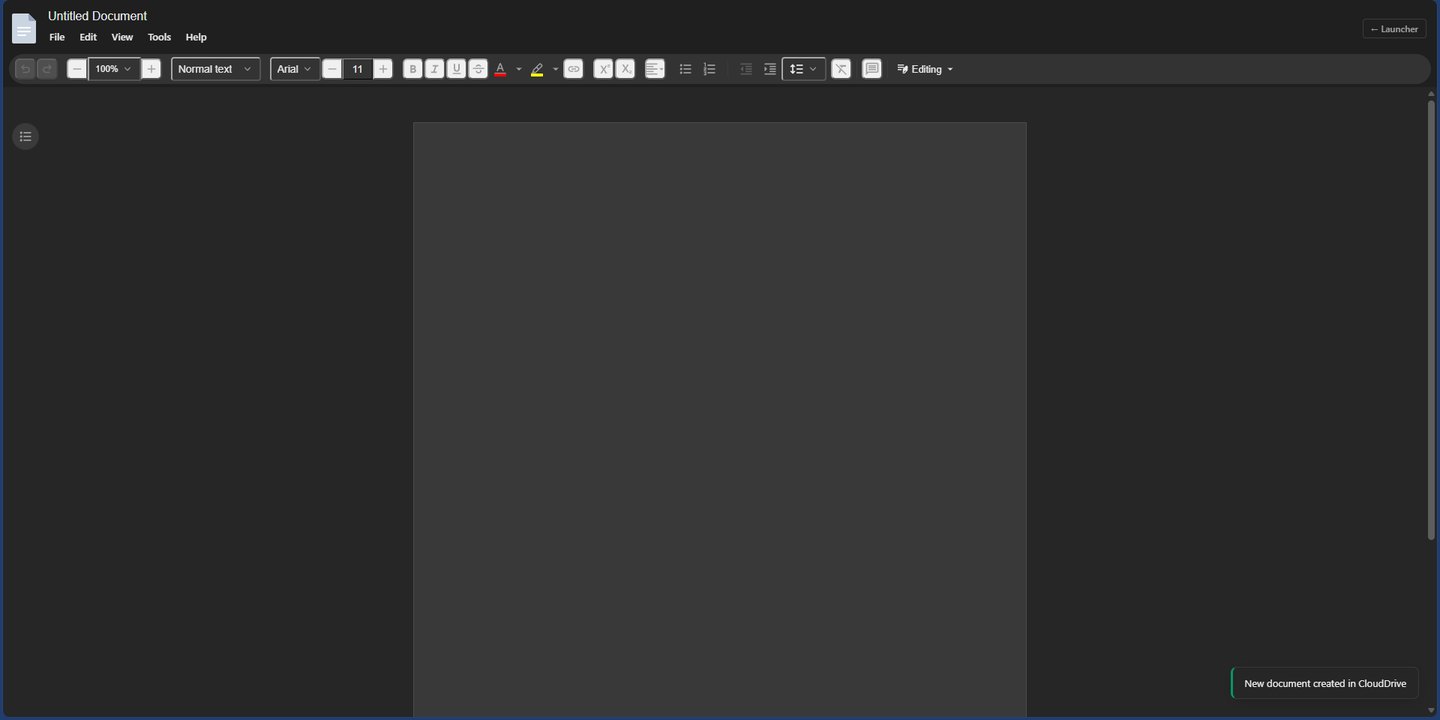
HOAS · Applications
HOAS · Office and education apps · sample names shown, tap a screen to enlarge
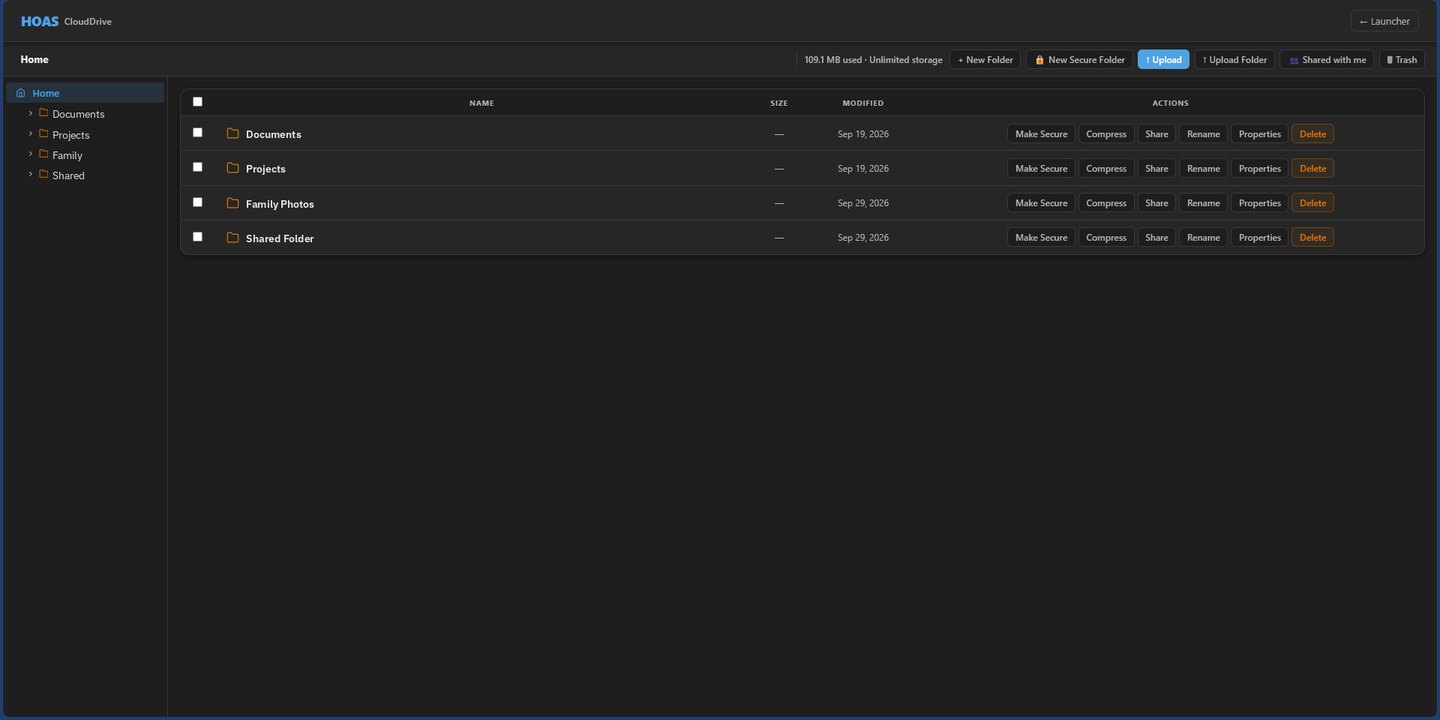
The family's office and education apps. Everything is private by default, and shared only when you choose.
Office
DocEditor — documents and templates
PlanBoard — boards for projects and chores
CloudDrive — file storage where each person owns their files
Coming: WorkBook spreadsheets and DayKeeper scheduling
Education
HomeLibrary — a shared library with personal shelves
HomeUniversity — courses, requests and feedback, starting with weather spotting
06
HBMP
Home Business Management Portal
Online
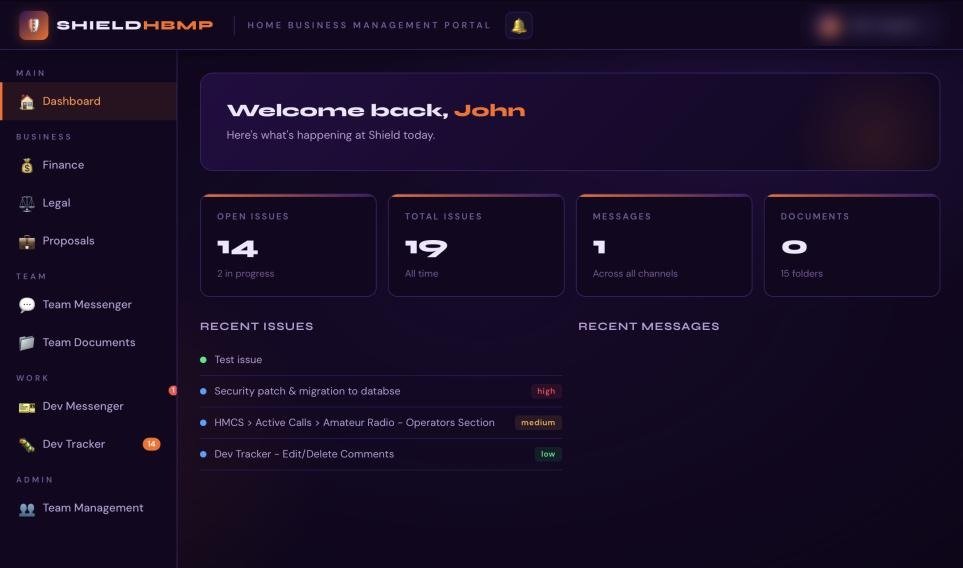
HBMP · Dashboard
HBMP · Business dashboard
HBMP works alongside HOAS as the business-management tool for the family business — self-hosting websites for others. It has a dashboard, proposals, team messaging, team documents and issue tracking, with finance and legal tools on the way.
Family only. HBMP is visible to family members. Friends don't see it unless they're given access to it.
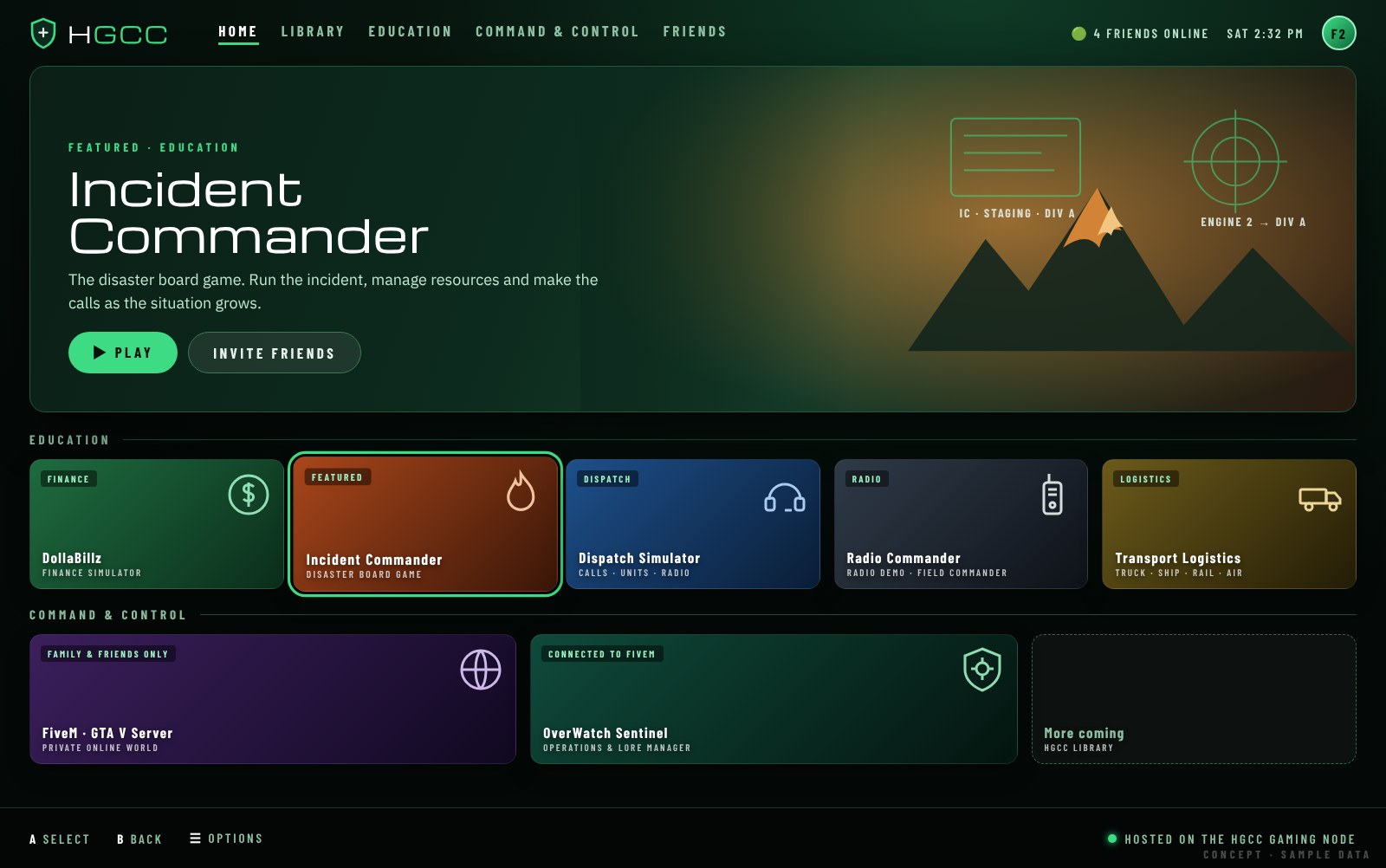
HGCC is the gaming and entertainment side of SHIELD — think a game-console home screen, built into the SHIELD ecosystem for family and friends. All HGCC apps, services and databases run on the BOXX gaming workstation; the SHIELD server only hosts the HGCC landing page.
HGCC · Home
HGCC · Concept with sample data
Education
DollaBillz — finance simulator: money, jobs, banks, credit and loans (built; moving here from HOAS)
Incident Commander — the disaster board game
Dispatch Simulator — take calls, send units and work the radio
Radio Commander — radio demo and field commander simulator
Transport Logistics Manager — trucking, shipping, rail and air
Command & control
FiveM / GTA V server — family and friends only, not public
OverWatch Sentinel — a web app connected to the FiveM server. Sentinel is to the FiveM server and its GTA V lore what HDEV is to SHIELD.
Under the hood
Real hardware, at home
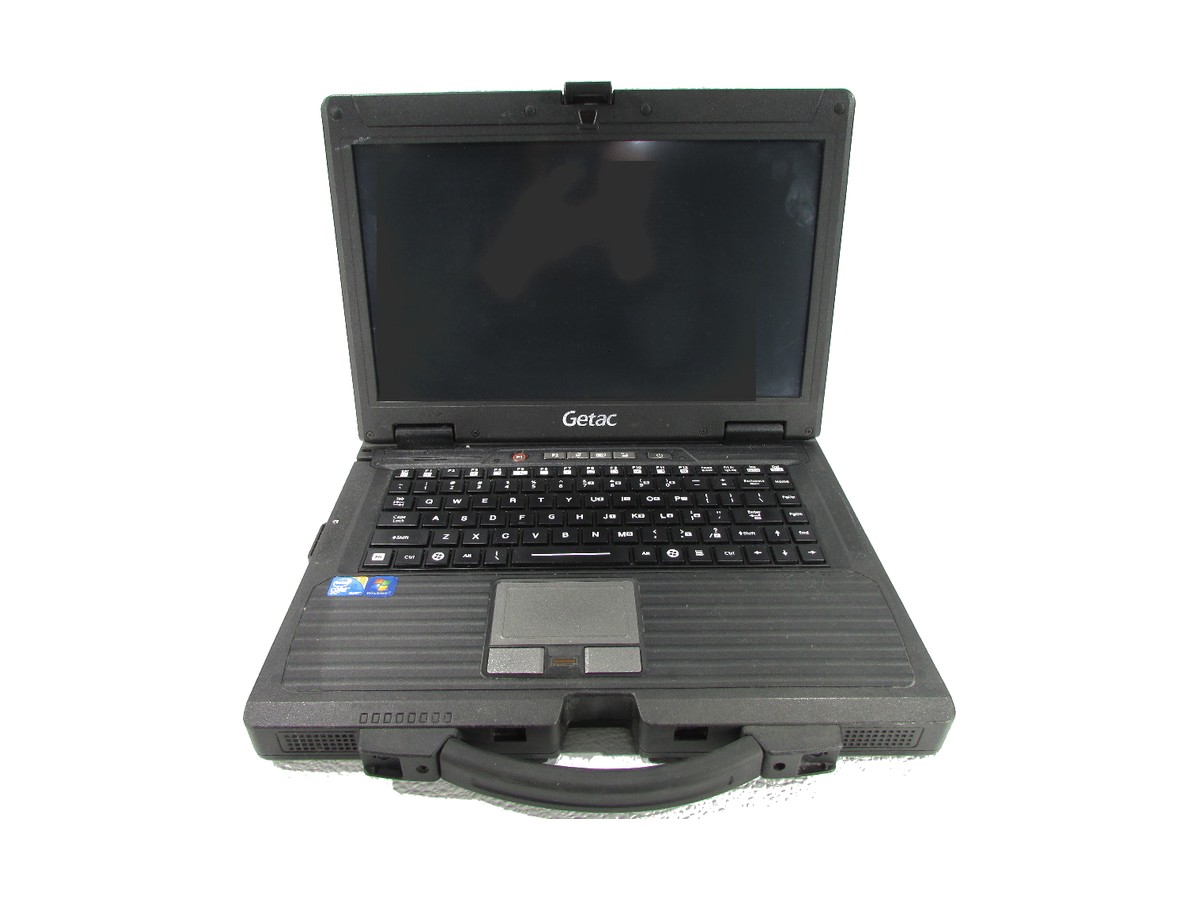
Everything SHIELD runs on is in the house. The internet, networking and access equipment runs on battery backup, and a rugged backup node is planned to carry SHIELD through power outages.
123
Home Emergency Operations Center
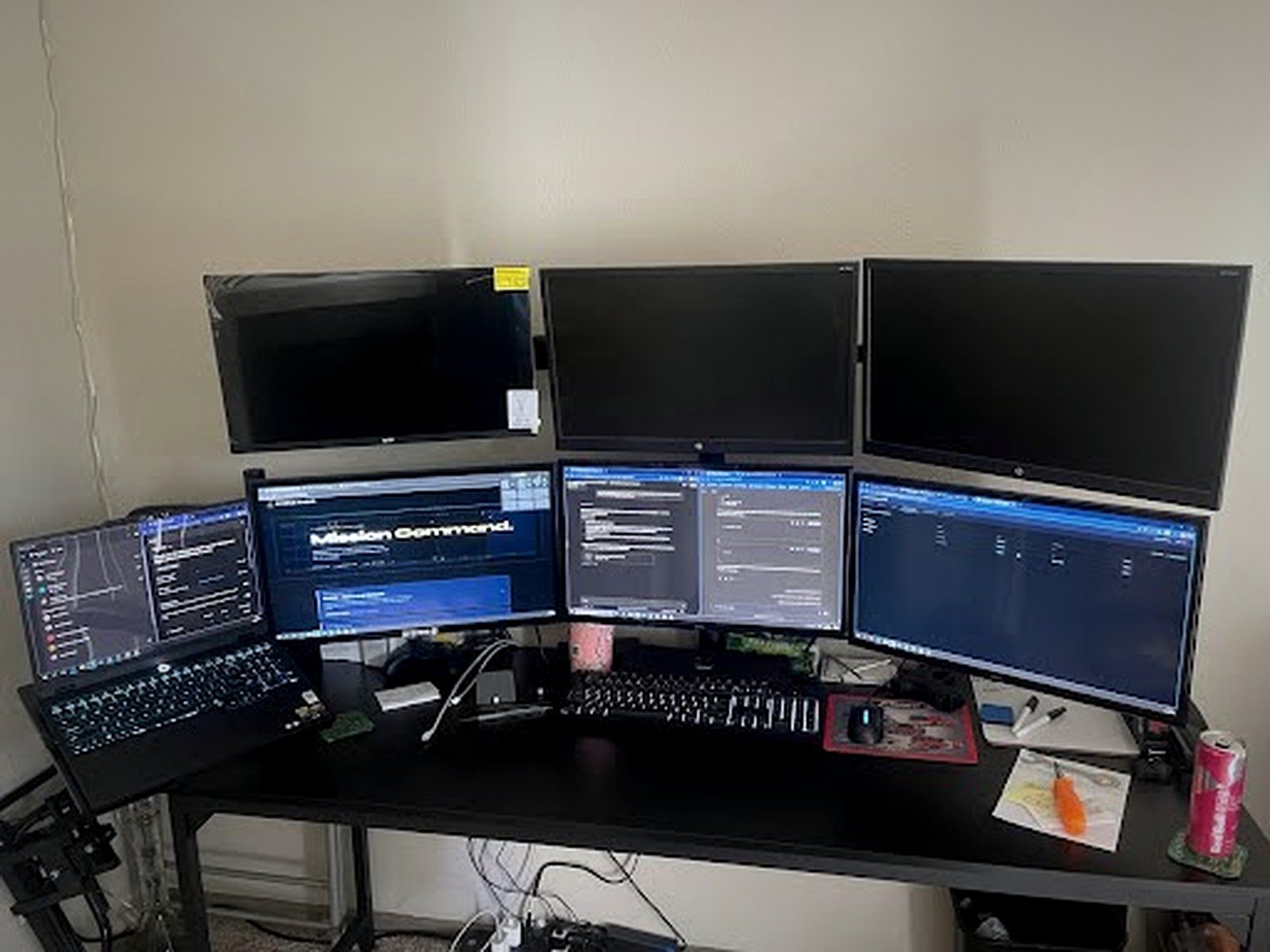
The operator station
Six screens and a laptop. The home office doubles as the Shield Home EOC.
1
Primary workstationLenovo Legion 5 on a mount, left of the lower three screens. One dock connects the keyboard, mouse, speakers, mic, external drive and wired network.
2
Lower rowThree 22-inch monitors. With the laptop screen they make one continuous four-screen workflow.
3
Top rowThree monitors: one dedicated to the SHIELD server, two for the BOXX APEXX 2.
In the house
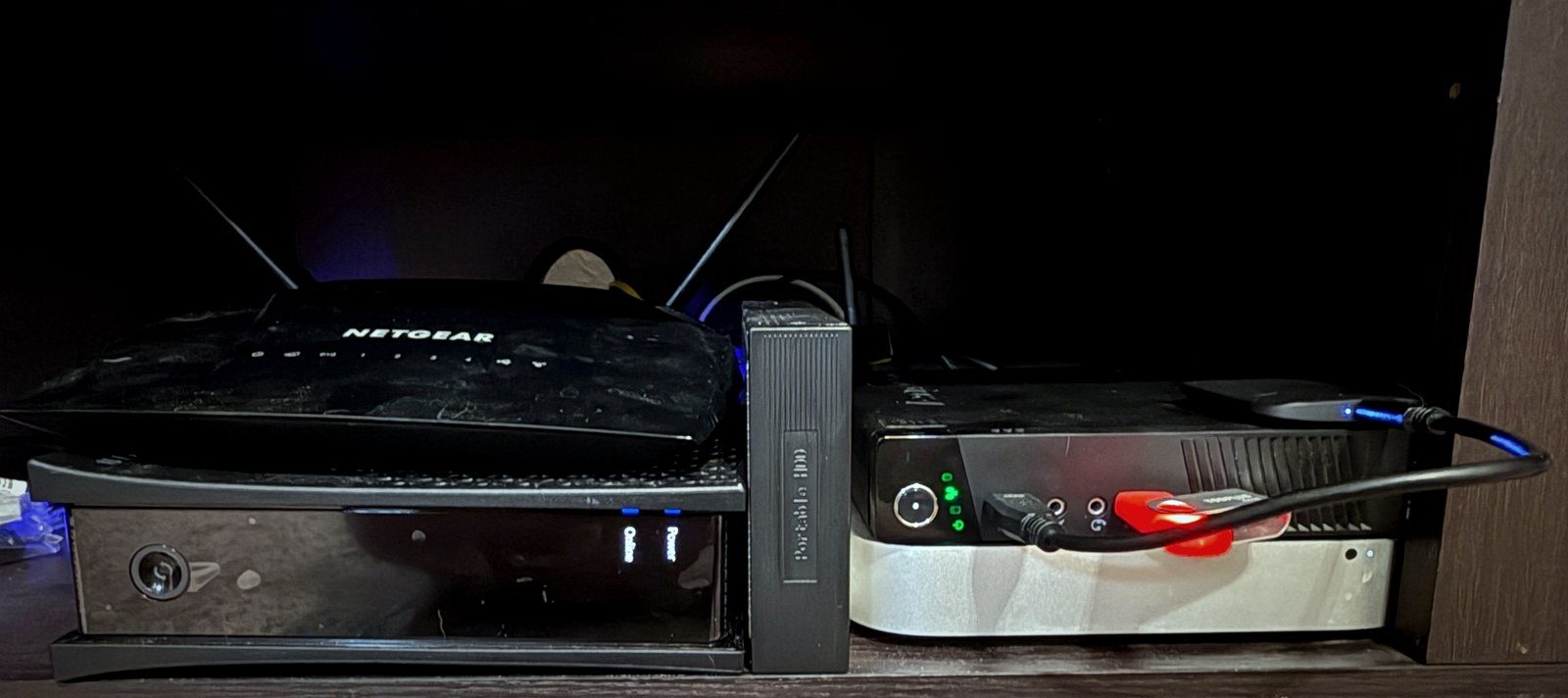
Network shelf · Before the rebuild
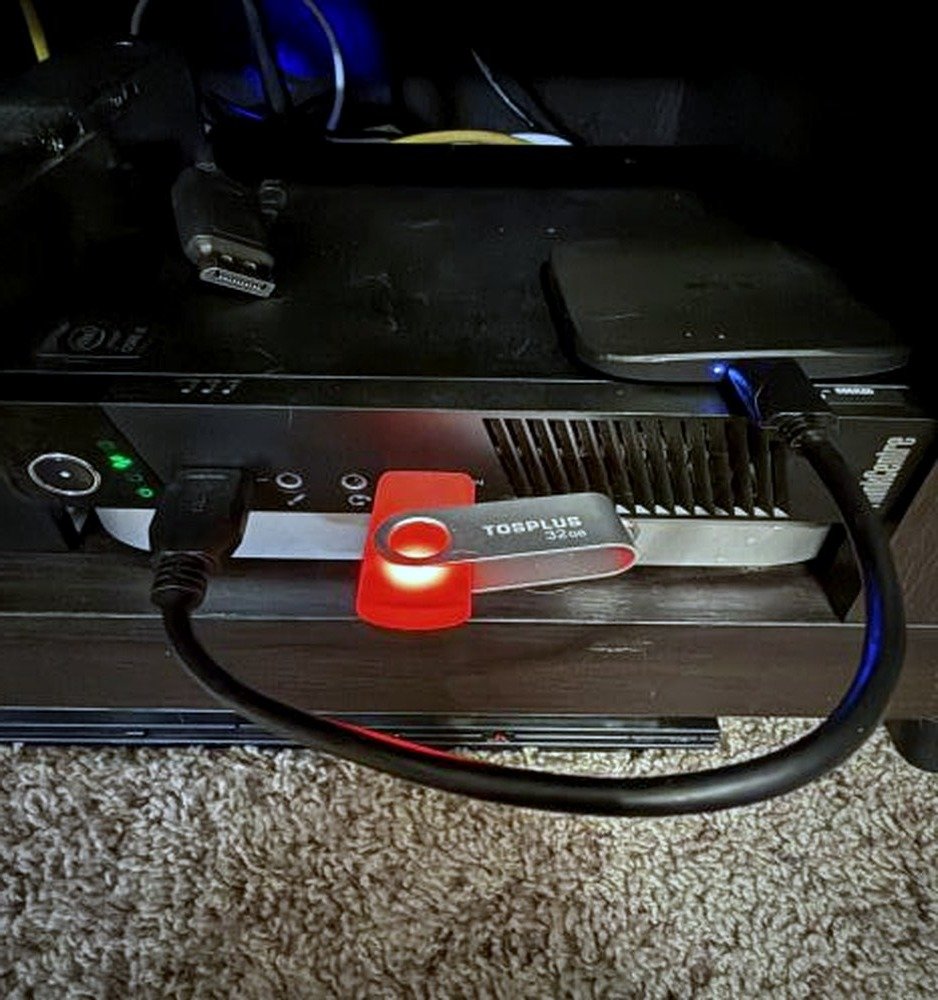
SHIELD server · Always on
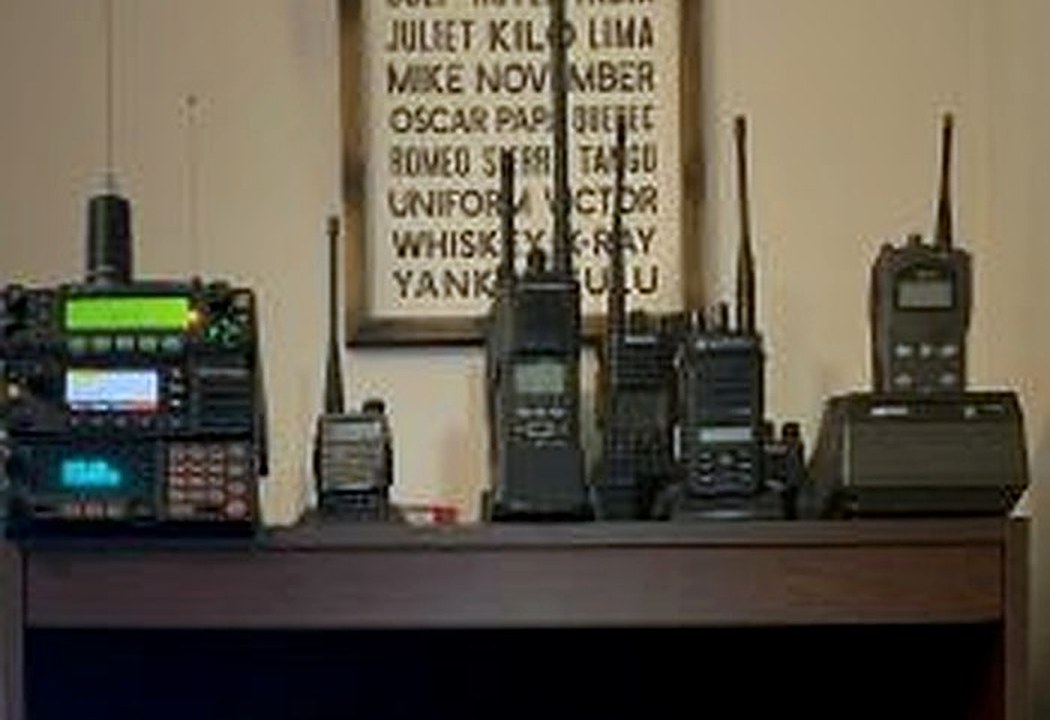
Radio fleet · Amateur, GMRS & more
Equipment
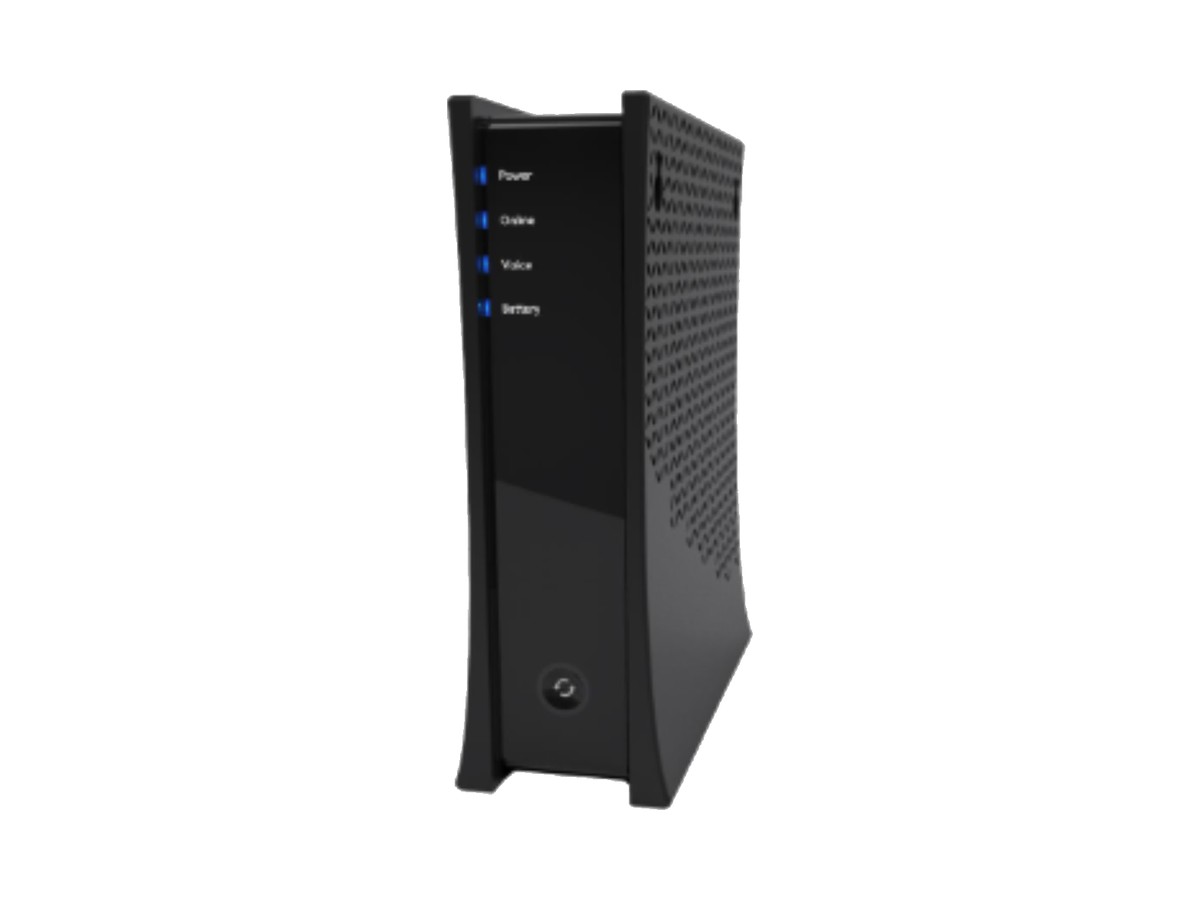
Internet · 1 GigPrimary internet
Wired cable broadband — the main connection.
Online
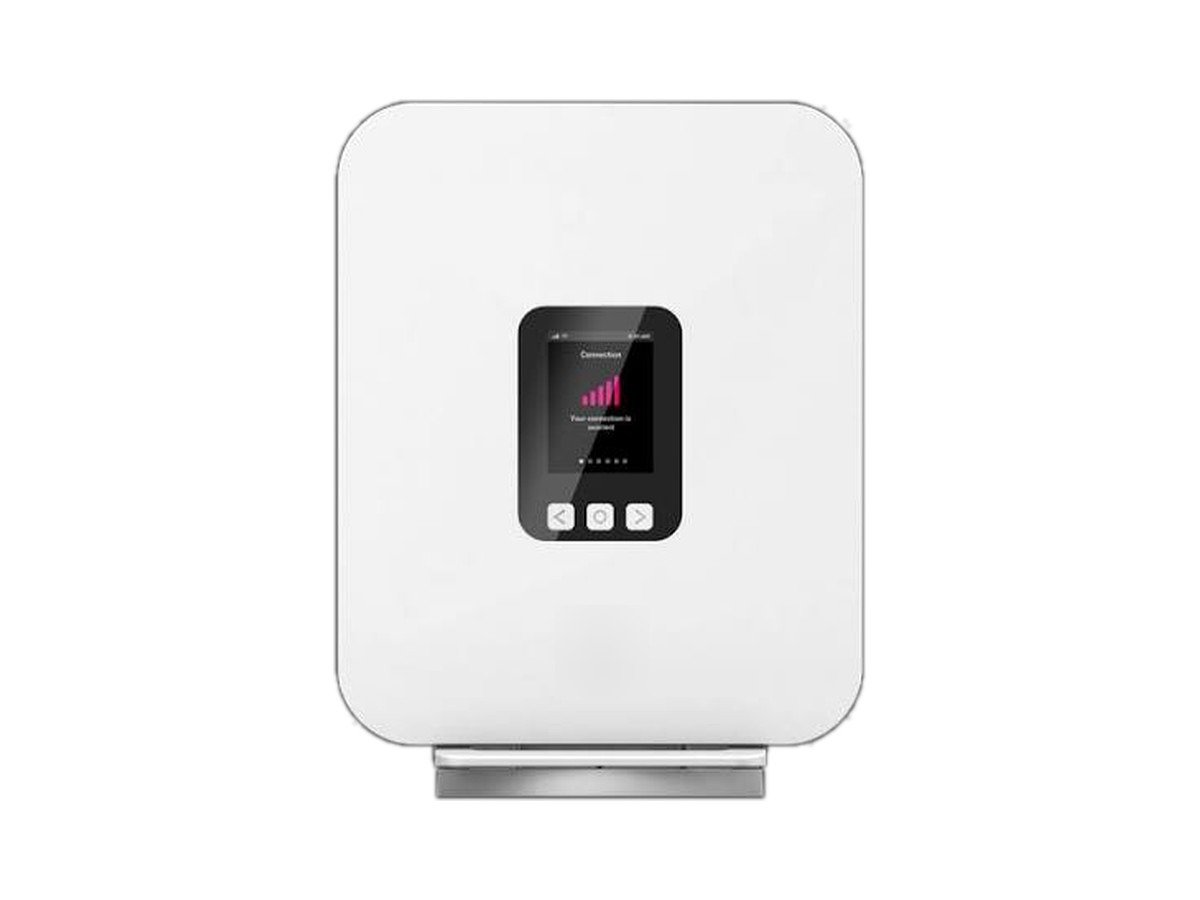
Internet · BackupCellular backup
Takes over automatically if the main line drops.
Online
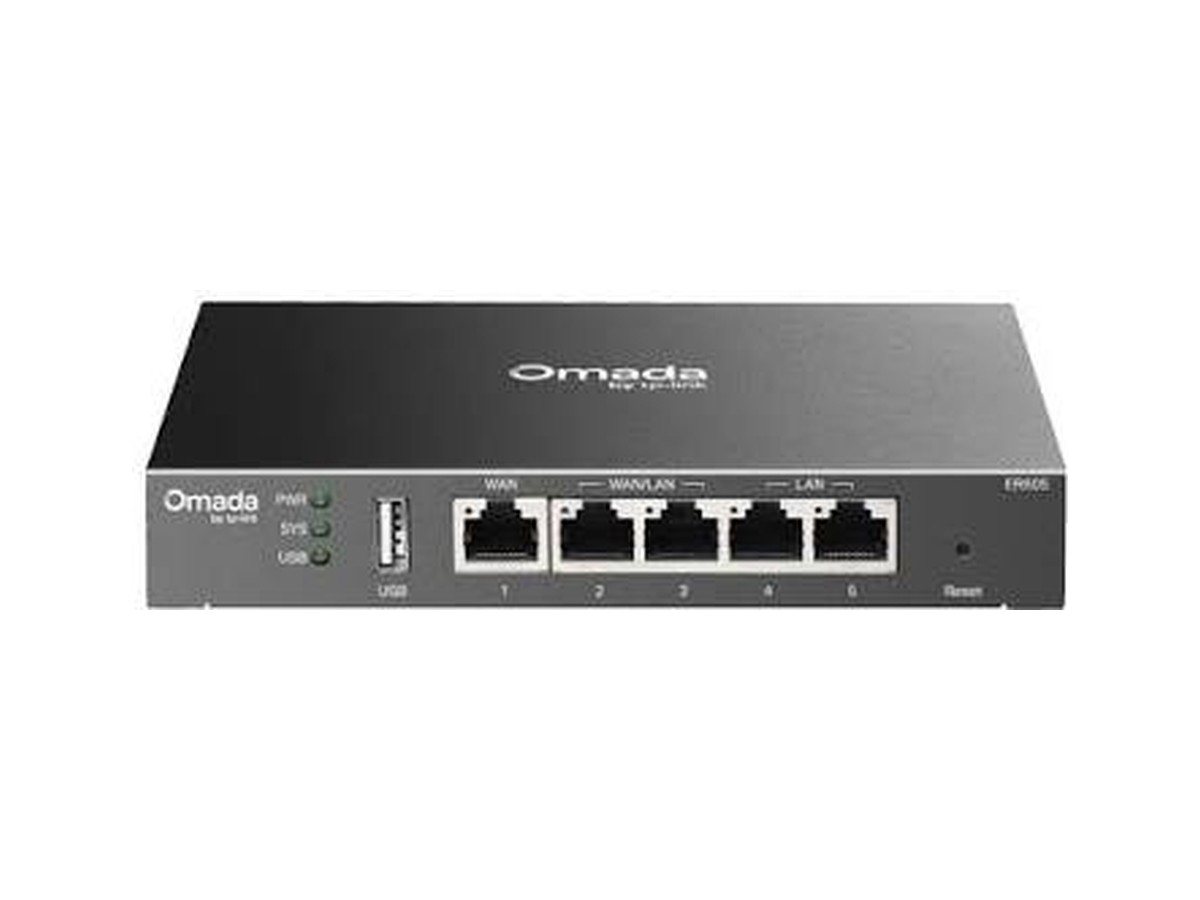
NetworkRouter
Runs both internet connections and switches between them.
Network Rebuild
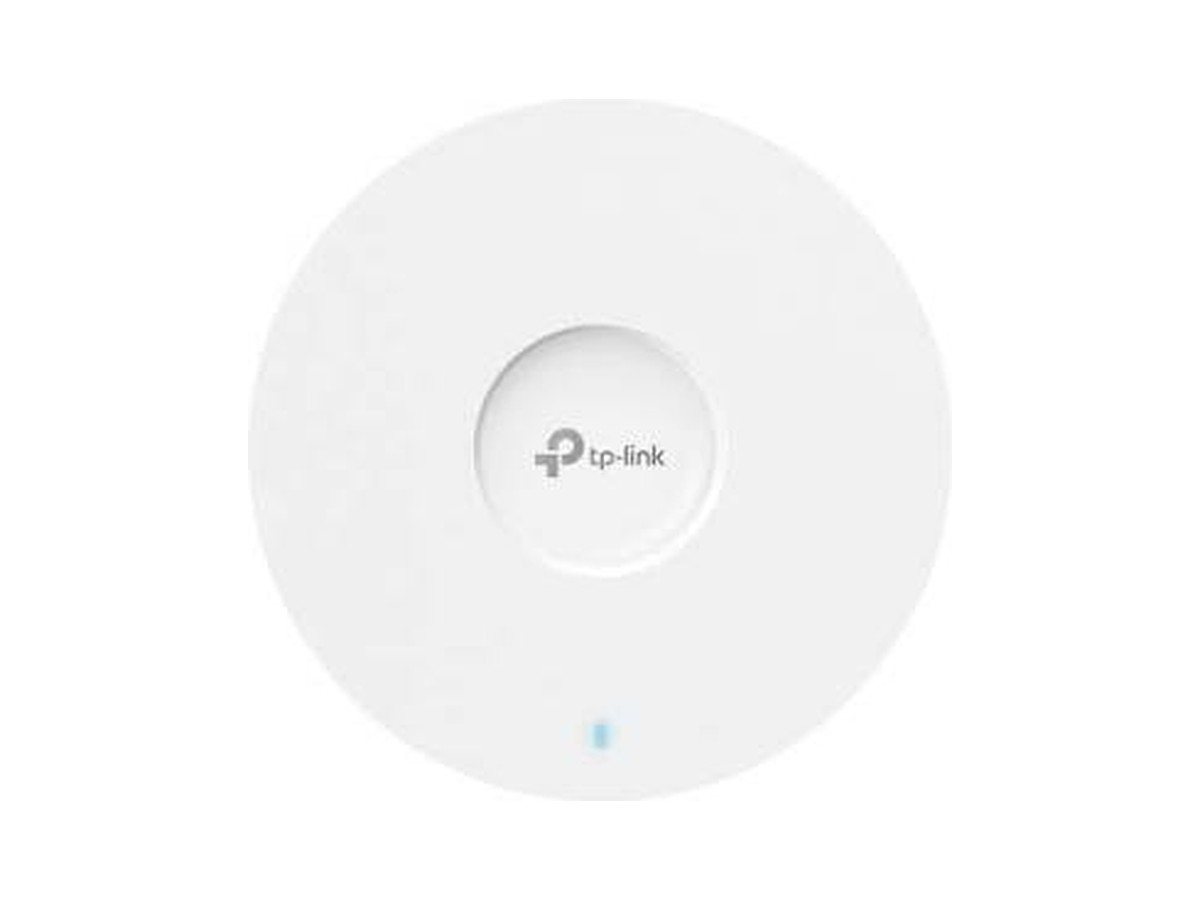
NetworkWireless access point
Faster, stronger wireless across the home.
Network Rebuild
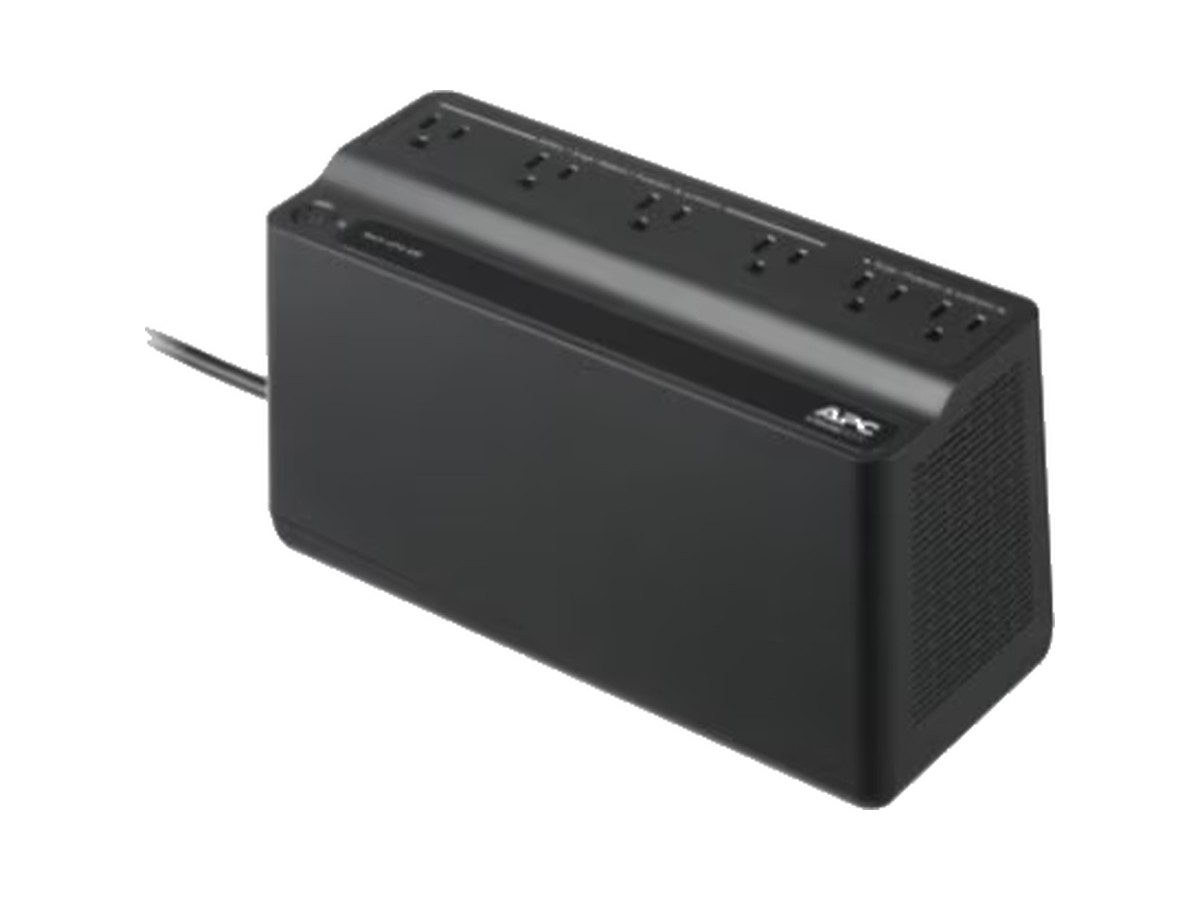
Power · NetworkBattery backup (UPS)
Keeps the internet, networking and access equipment running through power outages.
Network Rebuild
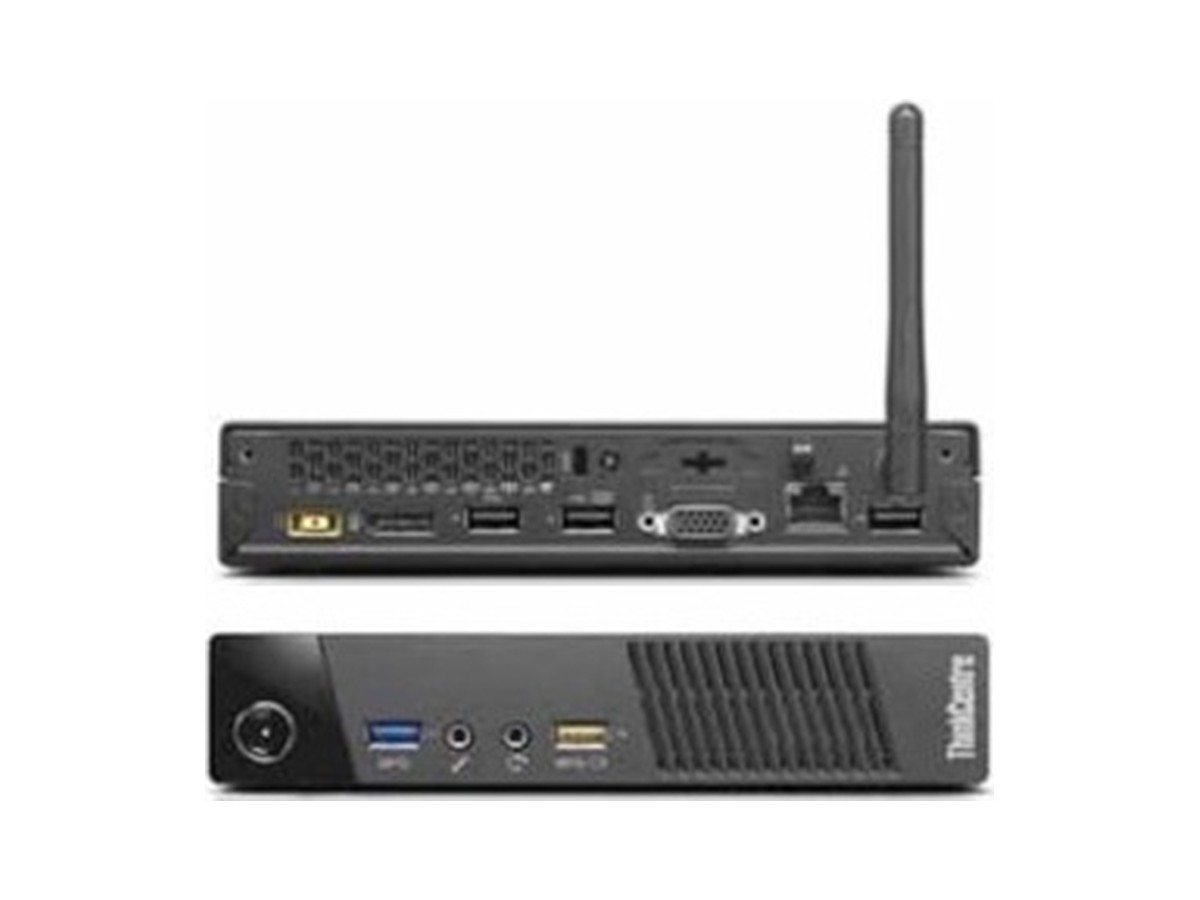
ServerSHIELD server
Runs ShieldFAM and the family apps around the clock.
Online
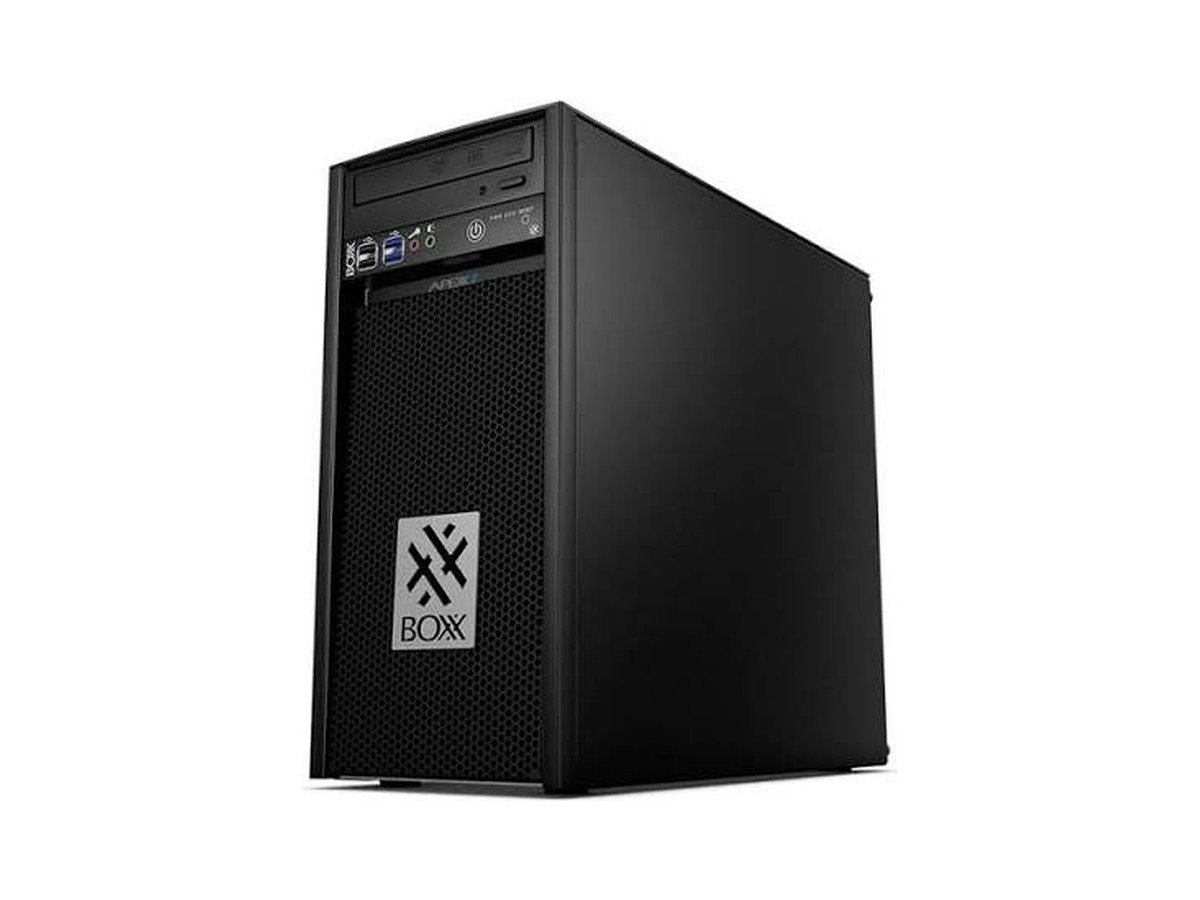
Gaming · ConsoleBOXX gaming server
Home of HGCC, and the main HMCS and HCOM console for the Home EOC.
Being set up
Backup node · Rugged laptopBackup node
An always-on rugged unit, backed up in real time, that keeps SHIELD supported during power outages.
Planned
Product images courtesy of their manufacturers; brand marks removed where shown generically.
Where it's going
Roadmap
SHIELD grows in three parts, all managed and secured by HDEV.
OPERATIONS
HMCS · HMDT · HCOM
Now
Active Calls: Family & Friends, Public Safety, Amateur Radio
Aviation, Weather and Radio Log
Console and Help Desk
Next
HCOM SquawkBox radio console
Home/Family and Emergency Management tools
Marine, Railroad and Traffic views
Later
HMDT mobile data terminal
HotLine phone system
CarrierPigeon messaging & email
HOME OFFICE
HOAS · HBMP
Now
DocEditor, PlanBoard and CloudDrive
HBMP dashboard, proposals, messaging & documents
Next
Office, Studio and Education spaces in HOAS
WorkBook and DayKeeper
HBMP finance and legal
Later
HomeLibrary and HomeUniversity (Education)
GAMING & ENTERTAINMENT
HGCC
Now
DollaBillz finance simulator (built, moving from HOAS to HGCC)
OverWatch Sentinel in development
Next
HGCC launch on the BOXX
FiveM / GTA V family & friends server
Dispatch Simulator and Radio Commander
Later
Incident Commander board game
Transport Logistics Manager
PlatformNetwork rebuild with failover internet, Wi-Fi 6 and battery backup · rugged backup node · beta and release of the desktop web app · mobile apps · regional nodes and RF equipment.